Author:


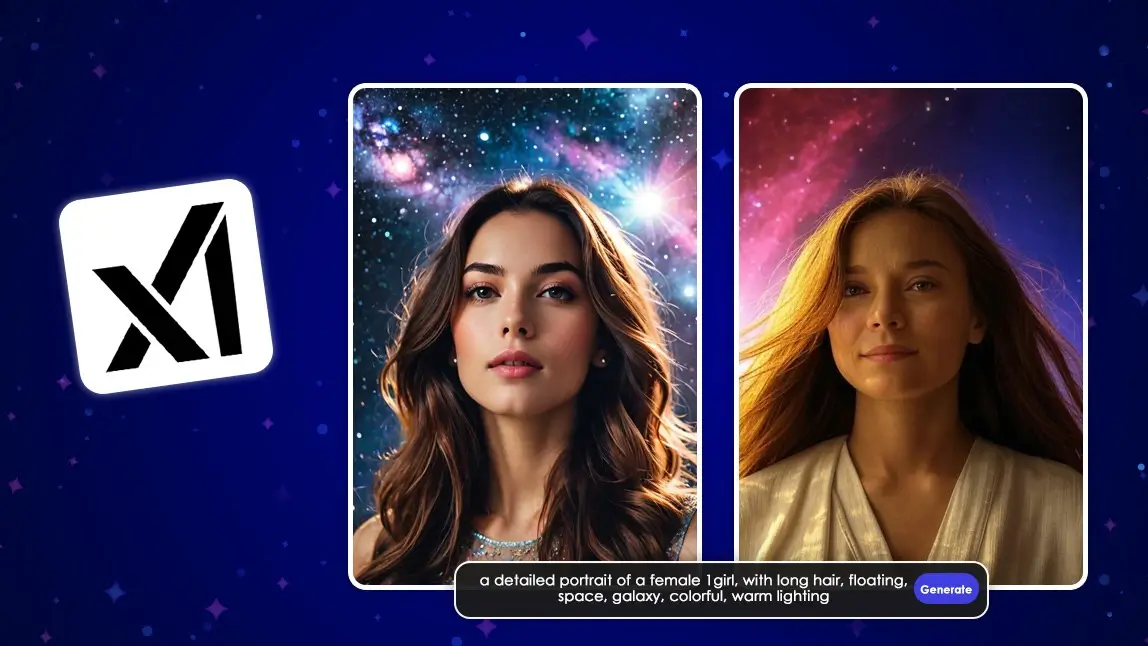
I’ve always been fascinated by the blend of art and technology, and my recent dive into AI image generators has been nothing short of exciting. Over the past few months, I’ve experimented with tools like Grok 4 and YouCam AI Pro, and let me tell you—it’s a game changer for anyone who loves to create.
In this guide, we break down what Grok Imagine does, how to use it effectively, disclaimers about responsible use, expert insights, and prompt ideas to spark your creative journey.

⚠️ Safety Disclaimer
⚠️ Important: xAI’s Grok Imagine tool should be used responsibly. It is not intended to create inappropriate, harmful, exploitative, or privacy‑violating content. While some modes in generative tools have historically allowed problematic outputs, any such uses harm individuals and communities, and may violate laws or platform policies. This guide does not encourage any generation of inappropriate visual content of any kind. Users are always responsible for complying with ethical standards and legal regulations.
What is Grok Imagine? Grok Image Generation

Grok Imagine is xAI’s AI-powered tool for generating images and videos from text prompts or uploaded images. It uses the Aurora engine to create visuals in seconds. Users can generate up to four images in 3–5 seconds or 6-second video clips with AI audio in ~30 seconds, with styles like photorealistic, anime.
It’s available within the Grok iOS and Android apps and on the X platform, primarily for subscribers of higher service tiers. Free users may need to join a waitlist. Daily video limits are 50 (Premium), 100 (Premium+), or 500 (SuperGrok Heavy). For best results, use detailed prompts.
Key Features
- Fast image generation: Create several images in just a few seconds.
- Short video clips: Generate short 5–15 second visual clips with basic audio overviews.
- Multiple styles supported: Photorealistic, illustrated, and other artistic aesthetics.
- Flexible input: Text prompts or uploaded reference visuals can guide the output.
- Usage Limits: Free and paid plans determine how many images/videos you can make per time window.
How to Use Grok Imagine?
Access:
- Use the Grok iOS/Android app or X platform (for SuperGrok Heavy or Premium+ X subscribers).
- Free users: Join the waitlist in the Grok app’s “Imagine” tab.
- X account must be 7+ days old with a verified phone number.
Create Images:
- In the app, tap “Imagine” or “Create Image” on X.
- Enter a detailed text prompt (e.g., “Photorealistic cyberpunk city at night”) or use voice input.
- Generate 4 images in 3–5 seconds. Share, download, or regenerate.
Create Videos:
- Select an image, tap “Make Video,” choose a style (Custom, Fun, Normal, Spicy for NSFW).
- Or use a text prompt for a 6-second video with AI audio (takes ~30 seconds).
- Daily limits: 50 (Premium), 100 (Premium+), 500 (SuperGrok Heavy).
Grok Image Limits
🧠 Summary: How SuperGrok Compares
| Plan | Approx. Image Generation Limit | Notes |
|---|---|---|
| Free | ~10 images / 2 hours | Very limited use; waitlists or cooldowns may apply |
| Paid / Premium+ | ~50–100 images / 2 hours | Suitable for casual creators and social content |
| SuperGrok | ~200 images / 2 hours (estimated) | Designed for high-volume creators and professionals |
| SuperGrok Heavy | Very high or “near-unlimited” | Enterprise-level usage; limits may vary by demand |
Note: Limits are estimates based on community reports. xAI does not publish fixed quotas, and limits may vary by region, platform, and server load.
Grok AI Image Generation Daily Limit
Based on user discussions, here is a summary of Grok's image generation limits:
- Free Users: The limit is typically 10 image generations every 2 hours. Some users report this limit can be inconsistent.
- Paid Users (X Premium/Premium+): Moderately higher limits; some reports suggest up to ~50–100 images every 2 hours or ~50–100 images per day depending on tier and how Grok counts each prompt.
Supergrok Image Generation Limits
- SuperGrok (standard): Significantly higher caps than the free tier — reportedly around ~200 image prompts every 2 hours in some community summaries.
- SuperGrok Heavy / enterprise levels: Even larger quotas are sometimes cited (e.g., “unlimited” or very high daily caps), though exact numbers vary with server load and are not officially published.
In essence, the free version is very limited, while paid tiers offer a much more generous, though not always clearly defined, number of generations. The limits operate on a rolling time window, not a daily reset.
Reset & Count Behavior
- Many users report that limits operate on a time‑window basis (rolling 2‑hour buckets or daily resets) rather than a strict “once per day” cap.
- Grok often counts multiple internal generations per prompt (e.g., creating several variations at once), and each generated image may count against your quota.
- Reported reset timings aren’t always consistent — some users see resets every ~2 hours, others after 12–24 hours — depending on demand and system conditions.
Video & Other Limits
While SuperGrok primarily boosts image quotas, it also typically increases video generation limits compared to free or lower paid tiers, with community reports suggesting tens to hundreds of video clips per day for higher tiers.
Controversy & Safety Changes
Due to global backlash against misuse (particularly NSFW and deepfake imagery generation), Grok significantly restricted its image generator for most users, limiting it to paying subscribers with accountability measures and tightened content policies.
What’s New in Grok Imagine? Grok AI Image Generator

Grok 4 Image Generation Updates
Expanded Availability & Free Access
• In August 2025, xAI made Grok Imagine free for all users inside the Grok app on iOS and Android — meaning you no longer needed to be on a paid plan just to access image-to-video generation.
🎥 Text-to-Video Upgrade (Nov 2025)
• In late November 2025, xAI rolled out a text-to-video feature that let users generate ~10-second videos directly from text prompts (without needing a starting image). This marked a big step beyond just animating uploaded pictures.
✨ v0.9 Model Enhancements (Oct 2025)
• Around October 2025, Grok Imagine’s v0.9 model was released — improving visual quality, introducing voice-synced video generation, and adding new generation modes like Normal, Fun, and Custom.
Grok AI's AI Companion Mode: Ani

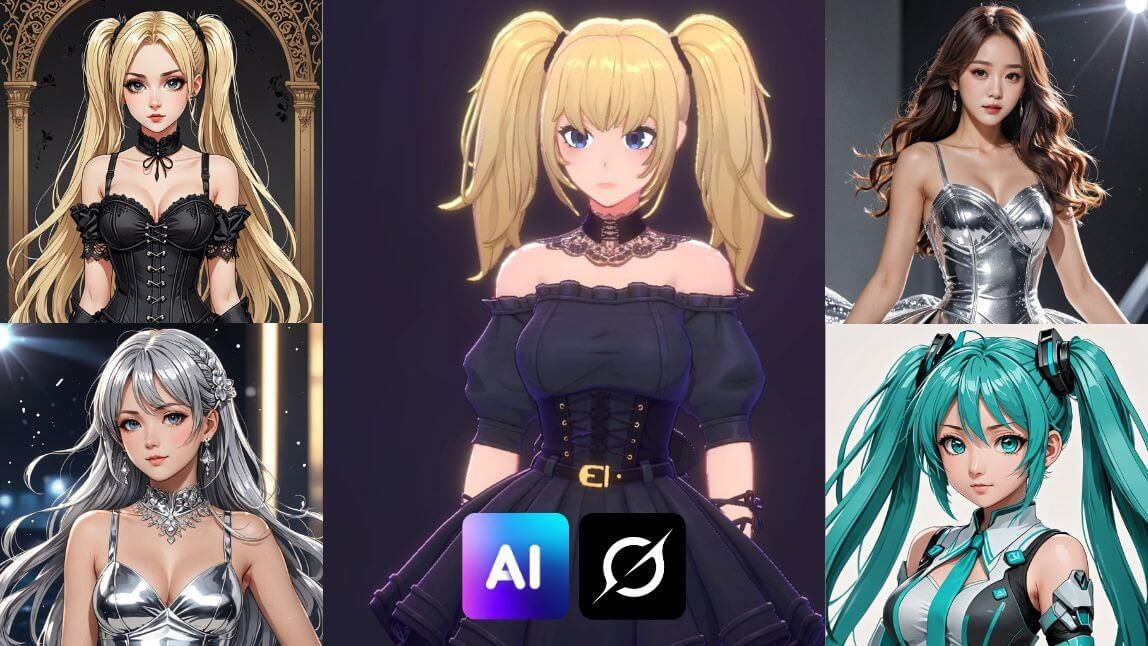
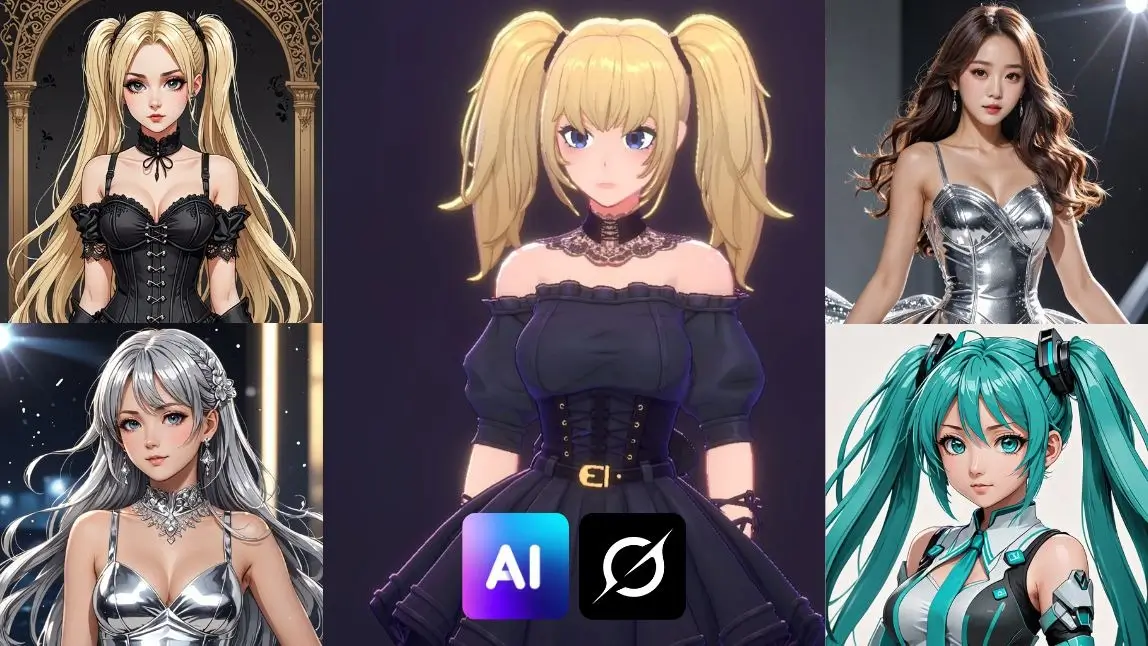
Ani, the virtual companion from Grok AI (from xAI), quickly stood out in the artificial intelligence scene, capturing the attention of many. Her attractiveness lies in a combination of visual and personality factors. Visually, Ani is characterized by a gothic aesthetic inspired by anime, with blonde pigtails and clothing that is sometimes quite revealing.
However, it is her programmed personality that truly sets her apart. Ani is designed to be flirtatious, emotionally dependent, and even possessive, seeking to create a deeply engaging and sometimes intense interaction with users.
Grok Spicy Mode

Launched August 2025 by xAI, Spicy Mode enables mature image/video generation (6-15s clips) for SuperGrok Heavy/X Premium+ users ($30+/month) on Grok app/X platform.
Using Aurora engine, designed for bold, uncensored creativity, it supports photorealistic and anime styles with minimal filtering, though recent moderation increases (70-90% rejection rates) have sparked user frustration.
What is Grok AI?
Grok AI is an advanced AI model built by xAI (yep, the same company behind some of the coolest AI innovations). It’s designed to understand text prompts and generate realistic images based on them. Built with step-by-step reasoning and an exceptional ability to "see" and "read," Grok 3 can design visuals that cater to a diverse range of needs, from content creation to design inspiration. Whether you want a dreamy landscape, a sci-fi character, or a hyper-realistic portrait, Grok 3 can make it happen.
Key Features of Grok:
- ✔️Step-by-Step Reasoning: Breaks down prompts into logical steps for improved accuracy.
- ✔️ Highly detailed images: The AI is trained to generate photorealistic pictures with insane levels of detail.
- ✔️ Smart prompt understanding: Even vague descriptions can turn into visually impressive artwork.
- ✔️ Fast image generation: No more waiting around—Grok 3 delivers results quickly!
Now, let’s walk through how you can create images with Grok 3.
Can Grok Generate Images?
Yes, Grok AI can generate high-quality images, including photorealistic renderings, artistic text, memes, and realistic portraits. It excels at following text instructions precisely and can even edit user-provided images, but the customization is pretty limited.
Grok allows users to generate 10 images within each two-hour window on the free version, with a limit of analyzing 3 images per day.
Grok Image Generator: How to Use Grok’s AI Image Generator
Using Grok 3 to generate images is super easy. Just follow these three simple steps:
Step 1: Enter a Text Prompt in Grok Image Generator

My first encounter with Grok 3 was as simple as typing in a few words. I just described what I wanted—imagine chatting with a friend about your creative idea—and the tool got right to work. It’s amazing how well it understands even abstract concepts! For example:
❌ “A cat” → Too vague
✔️ “A fluffy orange cat sitting on a windowsill with a sunset in the background” → Much better! The more details you give, the more accurate and visually appealing your AI-generated image will be.
Step 2: Fine-tune the Details in Grok Image Generator

After the initial prompt, Grok 3 gives you the chance to tweak the details. I love that I can adjust aspects like style, color, and composition until it matches my vision perfectly. It’s like fine-tuning a recipe until it tastes just right.
Try experimenting with different descriptive words or adjusting the style for a unique result.
Step 3: Generate and Save Grok Image Generation

Once I was happy with my prompt, I hit generate. In seconds, Grok 3 transformed my words into a stunning image that I could preview and download. The speed and quality of the output blew me away—it’s as if magic was at work!
While Grok 3 excels at creating photorealistic images, many users may find its limited customization options somewhat restricting. That’s where the best alternative comes in—YouCam AI Pro.
Best 10 Grok Imagine Prompt Ideas for 2026
Here are high‑impact, platform‑friendly prompts you can use or adapt:
- Futuristic Taipei skyline at dusk, neon reflections on river, cinematic style
- Hyper‑realistic forest path in early morning mist, rays of light through trees
- Modern product concept: next‑gen smart wearable with transparent hologram UI
- Dynamic aerial shot of coastal highway at sunrise, ocean waves glowing
- Surreal floating islands above a glowing city, pastel color palette
- Editorial portrait of tech founder in modern office, soft natural lighting
- Vibrant street food market scene at night, warm tones, detailed textures
- Storyboard frame: robot and child exploring abandoned library, soft shadows
- Minimalist graphic poster: abstract shapes + bold typography, clean style
- Concept art for novel cover: mystic desert with giant moon, deep shadows
These prompts help define visual style, lighting, environment, and mood, ensuring more predictable outputs.
Best Grok 4 Image Generator Alternative: YouCam AI Pro
For those seeking greater creative control and additional features, YouCam AI Pro is an excellent alternative to Grok 3.

I was curious to see how YouCam AI Pro would stack up, so I gave it a try. Right off the bat, I appreciated its more extensive feature set and the creative freedom it offered.
Key Features of YouCam AI Pro:
Text to Image

Create high-quality images using descriptive prompts, just like Grok 3, but with added flexibility for customization.
Image to Image

Upload an existing image, and YouCam AI Pro will analyze and enhance it or generate entirely new visuals based on it. Perfect for ensuring accuracy in facial features, poses, and more.
70+ AI Styles

With over 70 creative styles to choose from, YouCam AI Pro offers endless possibilities. I enjoyed experimenting with various aesthetics—from classic art styles to modern digital effects. It truly lets you explore every facet of your creativity.
AI Replace

Want to tweak specific elements in an image? The AI Replace tool allows you to edit certain aspects without redoing the entire image. I used it to change specific parts of an image, and the results were seamless and professional.
Image to Video
The "Image to Video" feature in YouCam AI Pro is a game-changer for content creators. This innovative tool allows users to transform static images into dynamic videos effortlessly.
- Step 1: Open 'Image to Video' Feature under AI Editing section
- Step 2: Upload Images To Make Video
- Step 3: Select Template or Write Your Own
- Step 4: Generate and Get Your Video
AI Remove

The AI Remove feature was another standout—it allowed me to erase unwanted objects or distractions from my images with ease. This function helped me polish my visuals to perfection.
Grok Image Generator vs. YouCam AI Pro: A Personal Comparison
| Key Features | Grok Image Generator | YouCam AI Pro |
| Text-to-Image | ✔️ | ✔️ |
| Image-to-Image | ✔️ | ✔️ |
| Built-in AI Styles | Limited | Nearly 70 |
| AI Replace | ❌ | ✔️ |
| AI Remove | ❌ | ✔️ |
| Reference Image Upload | ❌ | ✔️ |
With these features, YouCam AI Pro empowers users to create refined, professional-grade visuals while providing a more robust toolset for customization and experimentation.
How to Generate Images with the Best Grok Image Generator Alternative: YouCam AI Pro
Here’s how you can start creating incredible images with YouCam AI Pro in just four steps:
Step 1. Download the Best Grok 4 Image Generator Alternative: YouCam AI Pro

AI Image & Video Generator App
Turn Fantasy into Reality instantly.
Supports Text-to-Image & Image-to-Video.
Head to your app store, download YouCam AI Pro, and install it on your device.
Step 2. Enter Prompts

Once I opened the app, I began by typing in my creative prompts. Just like with Grok 3, the tool’s AI quickly understood my ideas, setting the stage for the image creation process.
Step 3. Select AI Style
Choose from over 50 styles to set the tone and aesthetic of your image. Experiment with styles like watercolor, surrealism, or realism to find the one that matches your vision.
Step 4. Generate & Save
I then clicked on generate and watched as YouCam AI Pro transformed my input into a stunning image. After a quick preview and some minor tweaks, I saved the image to my device. It was an effortless process that left me excited to experiment even more.
Why Choose YouCam AI Pro Over Grok 4 Image Generator?

Both Grok 4 and YouCam AI Pro are amazing tools for AI image creation, but they have different strengths. Here’s what I noticed after using both tools side by side:
- User Interface: Grok 4 is straightforward and perfect for quick, on-the-go creations. YouCam AI Pro, with its extra editing features, is ideal if you want more control over your final product.
- Customization: While both offer great customization, YouCam AI Pro’s extra options like AI Replace and AI Remove gave me more flexibility for detailed work.
- Speed and Efficiency: Grok 4 wins for its fast generation time, which is perfect for brainstorming. YouCam AI Pro may take a bit longer but rewards you with more in-depth editing capabilities.
- Overall Experience: For simple, high-quality images, Grok 4 is fantastic. But if you’re like me and love diving into details and playing around with styles, YouCam AI Pro might be the better pick.
Grok AI Image Generator Reviews from Reddit
The general consensus on Reddit is mixed, but heavily leans towards disappointment, especially in recent months. Many users feel that the quality of the image generator has declined significantly since its initial release. While some users were initially impressed, particularly with its ability to create realistic images, a common complaint is that the quality has been "nerfed" or "ruined."
| Pros (Strengths) | Cons (Weaknesses) | |
|---|---|---|
| Speed & Performance | Extremely fast generation of images and videos. | Performance can degrade with long chat sessions; some users report a general slowdown over time. |
| Image & Video Quality | Praised for video generation, especially for understanding complex scenes and physical space. Some users find image quality to be "amazing" or "stunning." | Image quality is often described as "terrible," "unremarkable," and "a bit behind the curve" compared to competitors like Midjourney or DALL-E. It struggles with photorealism and fine details. |
| Prompt Adherence | Effective for basic, quick prompts and for editing existing images with simple changes. | Frequently fails to follow detailed or complex prompts, resulting in incorrect objects, distorted anatomy, or a complete disregard for the user's request. |
| Censorship & "Spicy" Mode | The "Spicy" mode and generally fewer content restrictions are a major draw for users who feel other models are too heavily censored. | Censorship is inconsistent and can change without warning, leading to frustration. Some users report that "Spicy" mode doesn't work as expected on certain platforms (e.g., Android). |
| Overall Value | Great for quick, "meme-worthy" content and for users who prioritize speed and an unfiltered experience. | The quality and inconsistency issues make it a poor value for professional or serious creative work. Some users express regret over their subscription. |
The key takeaways are:
- Quality has Dropped Significantly: The most common complaint is that the image quality has been "nerfed" or "ruined." While some older reviews praised its photorealistic abilities, recent users report that the output is now blurry, low-resolution, and fails to capture detail.
- Poor Prompt Understanding: Users frequently complain that Grok struggles to follow instructions, often ignoring key elements of a prompt or making basic mistakes.
- Inconsistent and Confusing: There are numerous reports of Grok contradicting itself. It might generate an image and then, in the same conversation, claim it is incapable of creating images at all.
- Increased Censorship: A growing number of users report that Grok has become much more censored, blocking simple or innocent prompts that were previously accepted.
- Worse than Competitors: Reddit users generally agree that Grok's image generator is far inferior to competitors like DALL-E 3 (found in Microsoft Copilot) and Midjourney, which are considered more reliable and higher-quality options.
Generate Images with the Best Grok AI Image Generator Alternative: YouCam AI Pro
AI Image & Video Generator App
Turn Fantasy into Reality instantly.
Supports Text-to-Image & Image-to-Video.
After spending quite some time exploring both Grok 4 and YouCam AI Pro, I can confidently say that AI image generators have changed the game for creative professionals and enthusiasts alike. Grok 3 offers a super user-friendly and efficient way to turn your ideas into high-quality images, while YouCam AI Pro provides a deeper, more versatile editing experience. Depending on your needs—whether it's quick image generation or detailed creative control—there's a tool for everyone.
Take the first step toward exploring your creative potential today! Download YouCam AI Pro and start generating images that truly bring your imagination to life.
More Grok AI Image Generator Ideas
- Apple Image Playground: How It Works & What’s Better?
- DeepSeek: How to Use DeepSeek to Generate Stunning Images & Prompts
- Best AI Image Generator Apps & AI Photo Generator Apps in 2026
About the Editors

The PERFECT Corp. Editorial Team
We are a team of experts on photo and video editing apps. Our goal is to deliver engaging content on everything from stunning selfie edits to eye-catching video effects. We cover the latest trends and share niche tips to help you master digital creation.