Author:


If you’ve ever imagined yourself as a Grand Theft Auto character, you’re not alone.
Thanks to the viral GTA filter trend, anyone can now turn a selfie into GTA-style artwork using AI—no design skills required. This guide breaks it down step by step, so even total beginners can jump in confidently.

Key Takeaways
- What the GTA Loading Screen AI Filter trend is
- How to turn your photo into GTA style with AI
- YouCam AI Pro: The easiest tool to create and save your own GTA-style image
Let’s get started.
What Is the GTA Loading Screen AI Filter Trend?
@capcutdailyuk GTA loading screen ai filter trend #gta#aitrend#CapCut#capcutpioneer#pioneertemplate♬ original sound - CAPCUTDAILYUK
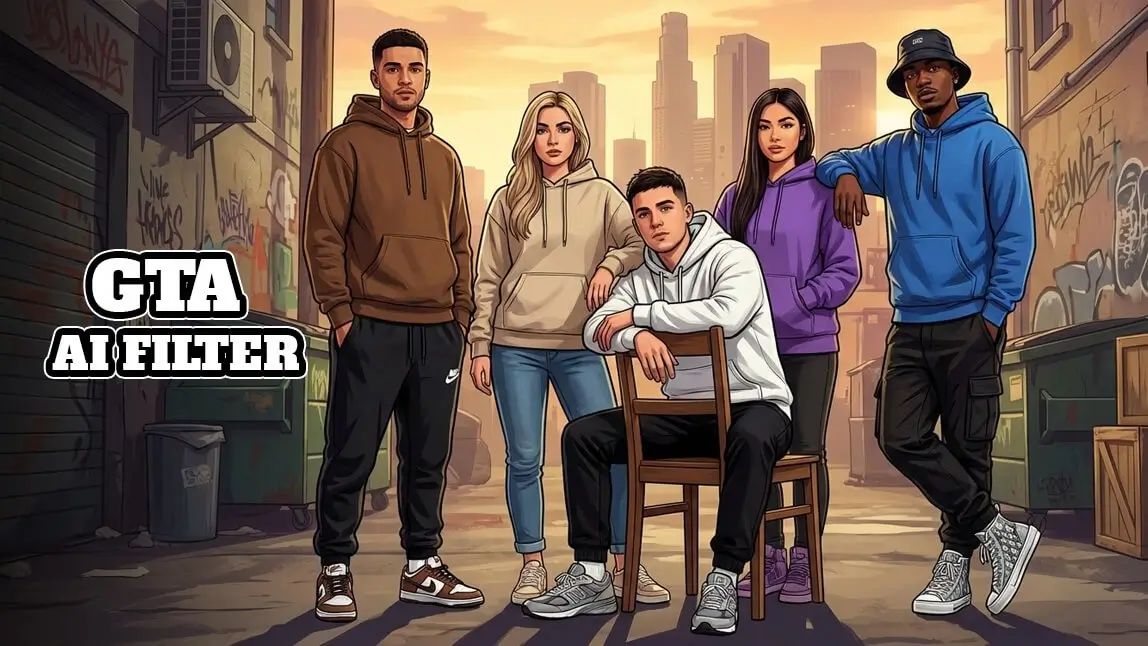
The GTA Loading Screen AI Filter Trend is inspired by the iconic illustrated artwork seen in Grand Theft Auto games. These images feature:
- Bold black outlines
- Stylized facial features
- Cinematic lighting and vibrant colors
- A confident, story-driven pose
With an AI GTA filter, modern image-generation tools analyze your photo and recreate it in this unmistakable GTA aesthetic. The result? A portrait that looks like it came straight out of a Rockstar Games loading screen.
This trend has exploded across TikTok, Instagram, and X, especially among:
- GTA fans
- Social media creators
- Graphic designers
- AI art enthusiasts
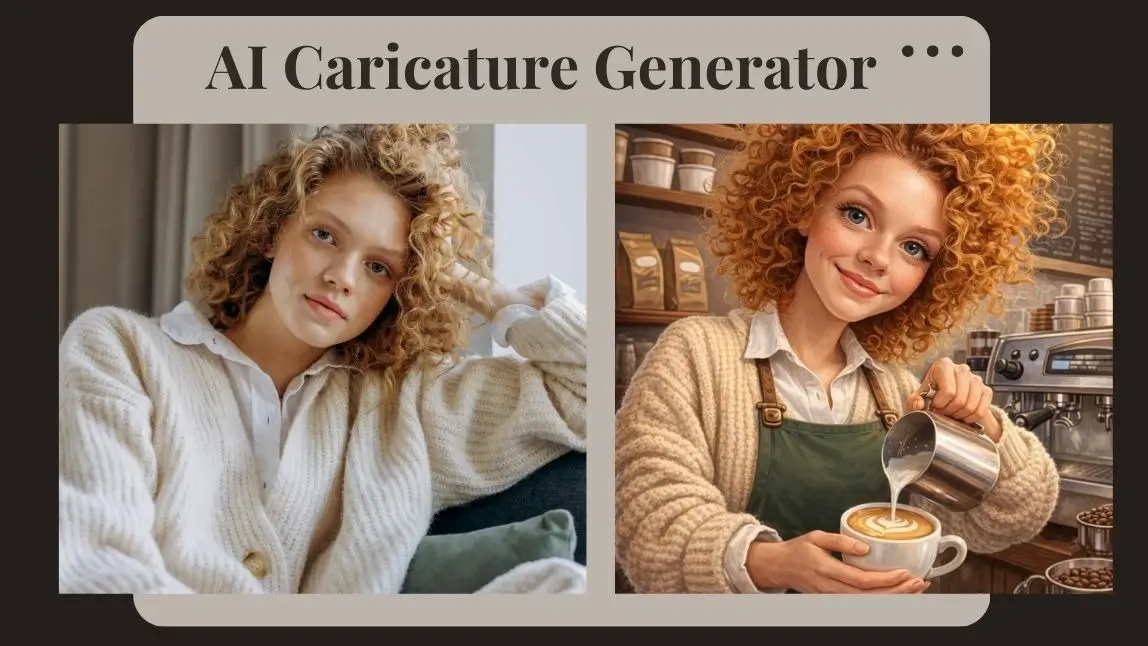
See What I’d Look Like as a GTA Character with AI
You don’t need Photoshop—or artistic talent—to try this trend. Here’s how to create a GTA-style portrait in just a few taps using YouCam AI Pro.
Step 1: Download YouCam AI Pro

AI Image & Video Generator
Turn text into GTA Character instantly.
Supports Text-to-Image & Image-to-Image.
Start by downloading YouCam AI Pro, an all-in-one AI image app designed for creative transformations, including GTA-style art.
Step 2: Tap “AI Image” & Choose Image-to-Image

Open the app and select AI Image, then choose Image to Image.
This allows the AI to transform your existing photo while keeping your facial features recognizable.
Step 3: Write a GTA-Style Prompt & Upload Your Photo

Upload a clear selfie (front-facing works best).
Then enter a prompt like:
- "Please refer to the photographic materials in Figure 1 to create a high-quality surreal 3D rendering in the GTA style; for the image of this young woman, do not alter the original facial contours; the work must feature the GTA aesthetic style and illustrative style.9:16Original.Original."
- “Create a GTA loading screen–style illustration with bold outlines, cinematic lighting, and vibrant colors.”
A well-written prompt helps the AI lock into the GTA filter aesthetic.
Step 4: Select AI Model

Choose an AI model like YouCam AI , GPT-Image-1.5 and more.
Step 5: Generate & Save

Tap Generate, wait a few seconds, and your GTA-style portrait appears.
Save it, share it, or use it as a profile image—your GTA character is officially born.
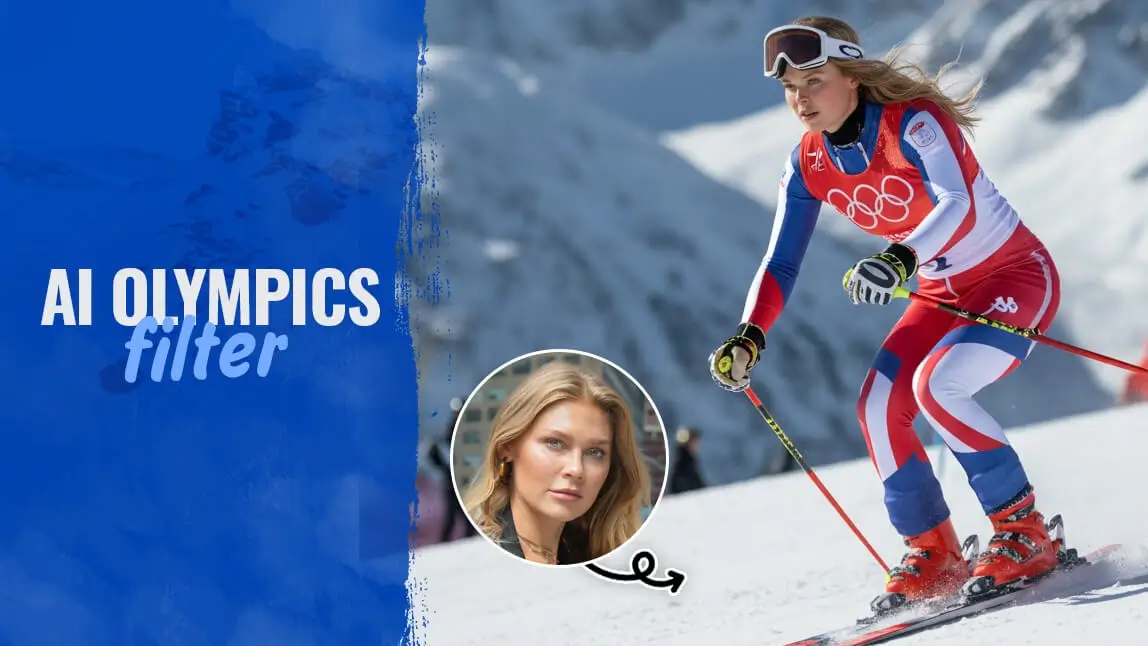
Final Thoughts: Your GTA Character Is Just One Prompt Away
AI Image & Video Generator
Turn text into GTA Character instantly.
Supports Text-to-Image & Image-to-Image.
The GTA filter trend proves that AI creativity doesn’t need to be complicated. With the right tool and a simple prompt, you can turn an everyday selfie into a bold, cinematic GTA-style portrait in minutes.
Whether you’re a GTA fan, content creator, designer, or just curious about AI art—this is one trend worth trying.
✨ Ready to see yourself in GTA style?
👉 Download YouCam AI Pro and create your own GTA-inspired image today.
About the Editors

The PERFECT Corp. Editorial Team
We are a team of experts on photo and video editing apps. Our goal is to deliver engaging content on everything from stunning selfie edits to eye-catching video effects. We cover the latest trends and share niche tips to help you master digital creation.
Discover more about us: