 Author:


Thinking about changing your hairstyle, but not sure what would actually look good on you? Yeah, same.
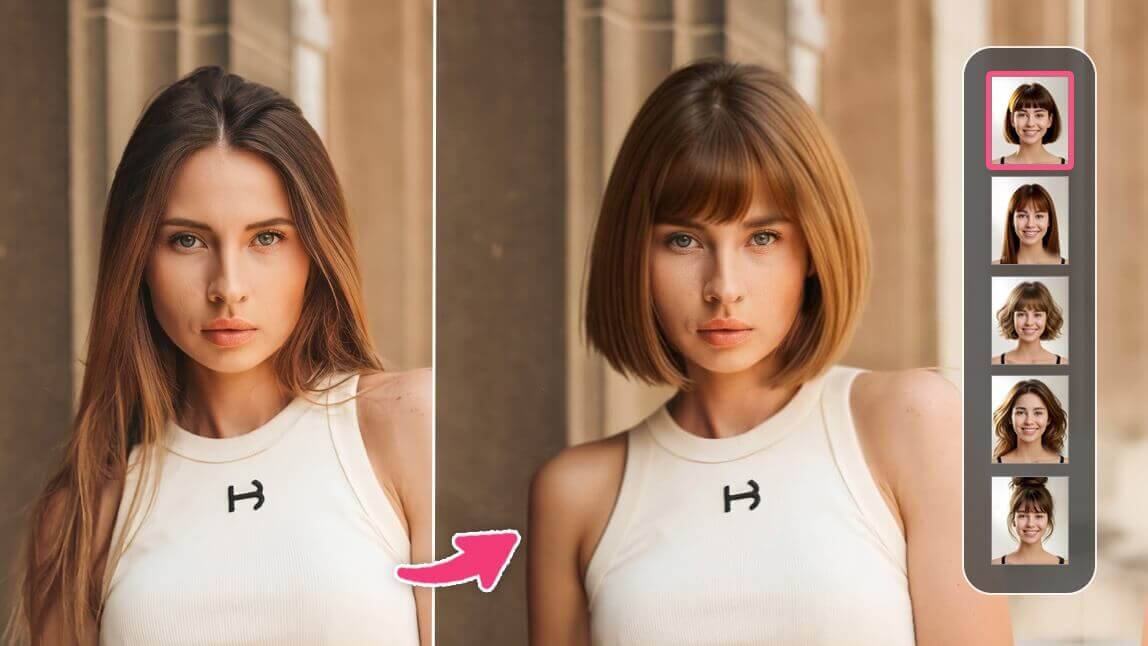
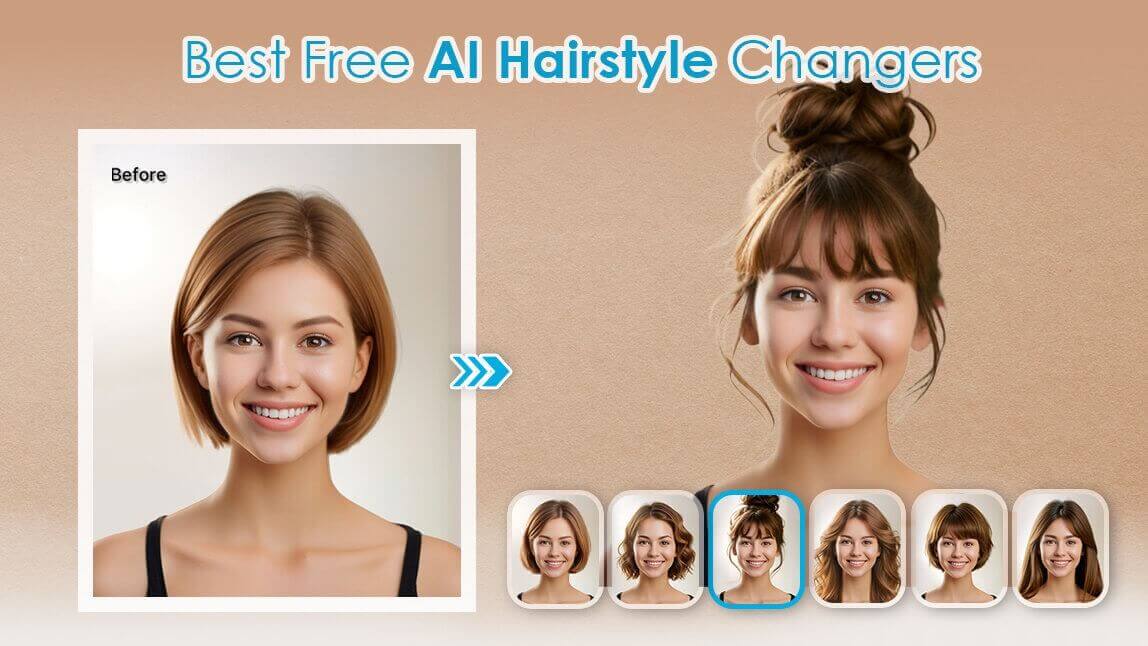
With tools like ChatGPT 2.0, you can basically “try before you cut.” Just upload a photo, type a quick prompt, and you’ll get a personalized hairstyle preview in seconds.
Answer three quick questions about your face shape, hair texture and how much time you want to spend on styling. You get a styling tip for your face shape plus three cuts for your texture, with the best match for your upkeep highlighted. It is a general guide, not a stylist consultation.
1. What is your face shape?
2. What is your natural hair texture?
3. How much upkeep do you want?
Your styling tip
Three cuts to ask your stylist about

Long face-framing layers
Grows out gracefully and needs a trim only every 10 to 12 weeks. Ask for layers that start at the chin so the length keeps some movement without daily styling.

Blunt lob
A one-length cut that makes fine, straight hair look fuller. Trim every 8 to 10 weeks to keep the edge crisp, and ask for a slightly angled front.

Sleek precision bob
Polished and graphic, but the shape drops quickly. Plan a trim every 4 to 6 weeks and a quick blow-dry or flat-iron pass most days.

Long wavy layers
Layers help waves stack instead of puffing out, and the cut air-dries well. A trim every 12 weeks is usually enough.

Soft shag
Choppy layers add movement and hide in-between lengths. Style with a light cream and a diffuser, and reshape every 8 to 10 weeks.

Wolf cut
Heavy layers and a shaggy fringe give the most shape, but it looks best with shaping every 6 to 8 weeks and some daily texturing.

Long curly layers
Length keeps curls defined and heavy at the ends, so trims can wait about 12 weeks. Ask for a dry cut so the layers follow your curl pattern.

Curly lob
A rounded shape cut curl by curl keeps volume balanced at the sides. Reshape every 8 to 10 weeks.

Tapered curly crop
Quick to style every day, but the taper grows out fast, so plan a trim every 4 to 6 weeks.
Style previews are AI renders made with YouCam, shown on a single model, so your own result will depend on hair density and your stylist. Upkeep levels: low means a trim every 10 to 12 weeks, high means every 4 to 6 weeks.
Preview any of these cuts on your own photo →Quick reference (no clicking needed): the same cuts by texture and upkeep.
| Texture | Low upkeep | Medium upkeep | High upkeep |
|---|---|---|---|
| Straight | Long face-framing layers | Blunt lob | Sleek precision bob |
| Wavy | Long wavy layers | Soft shag | Wolf cut |
| Curly | Long curly layers | Curly lob | Tapered curly crop |

Best AI Hairstyle Changer
The #1 Virtual Makeover & Selfie Camera App.
Experience real-time AR makeup trials.
What Is ChatGPT 2.0 Personal Hairstyle Analysis?

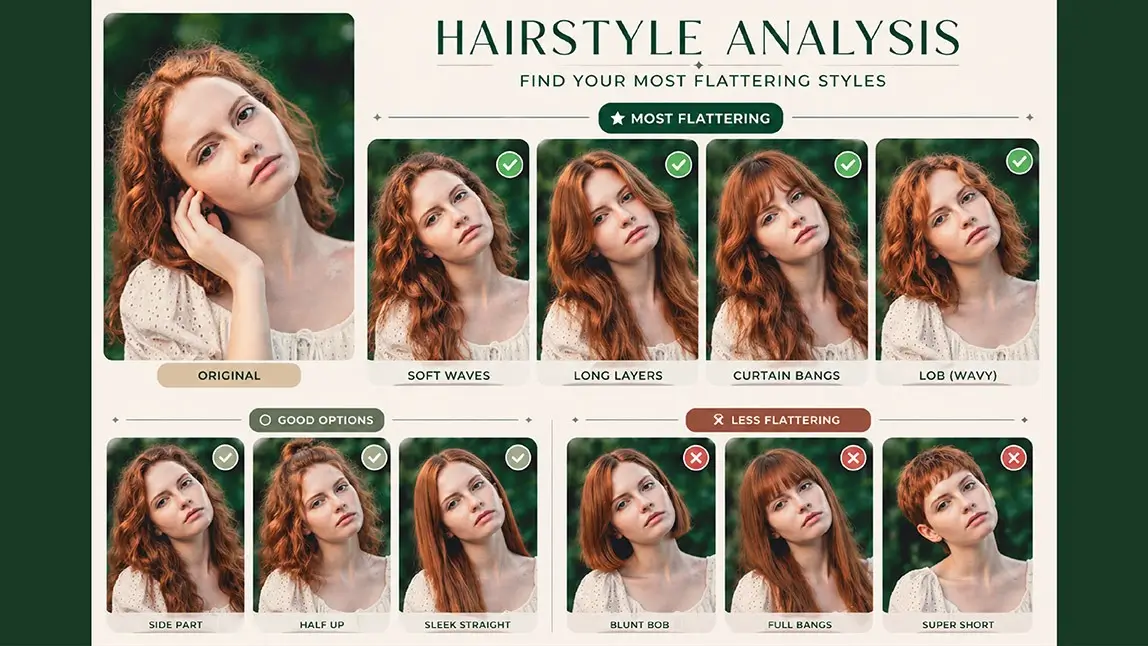
You’ll usually get a “report-style” image that shows:
- Hairstyles that suit you best
- Styles that are okay but not amazing
- Looks you might want to avoid
It’s a super easy (and low-risk) way to explore new styles without committing to scissors.
Best AI Hairstyle Changer
The #1 Virtual Makeover & Selfie Camera App.
Experience real-time AR makeup trials.
Why AI Hairstyle Analysis Actually Works
It’s not just random suggestions—AI uses real data to make these recommendations:

Skin tone analysis
It reads color values from your photo to figure out whether you have warm or cool undertones, helping match you with flattering hair colors.
Face shape detection
AI looks at your facial structure—like your jawline, forehead, and cheekbones—to determine which hairstyles balance your proportions.
Trend + data matching
It compares your features with tons of hairstyle examples to suggest looks that are proven to work.
How to Use ChatGPT 2.0 for Hairstyle Analysis

Getting started is super simple:
Step 1: Upload a clear photo
Go for a front-facing photo in natural lighting. Skip heavy filters.
Step 2: Turn on image feature
Open ChatGPT 2.0 and make sure you're using a mode that supports images.
Step 3: Paste your prompt
Try something like this:
Based on my uploaded portrait, create a high-quality personal hairstyle analysis card. Keep my original facial features and face shape. Compare multiple hairstyles and clearly categorize them into “Best,” “Average,” and “Not Recommended.” Include variations like hair length, bangs, and texture. Make it look clean and professional.
Step 4: Check your result
You’ll get a visual breakdown with different hairstyle options—easy to screenshot and even show your hairstylist.
Try an Alternative: YouCam Makeup (2 Easy Ways)
Best AI Hairstyle Changer
The #1 Virtual Makeover & Selfie Camera App.
Experience real-time AR makeup trials.
Advanced features in ChatGPT 2.0—especially image generation—usually require a paid plan. So if you just want to try things out casually, there’s a great alternative.
You can experiment with hairstyles using YouCam Makeup—here’s how to use it:
AI Agent
This option is great if you want a more personalized, “ChatGPT-style” experience.
1. Upload a clear photo of yourself
2. Enter a prompt

3. Let the AI generate hairstyle suggestions based on your input

AI Hairstyle
If you prefer something fast and intuitive, this is the easiest way to go.
1. Upload your photo
2. Browse a library of preset hairstyles


Discover Your Perfect Hairstyle
If you’re trying this for the first time, keep it simple. Start with small changes instead of a full makeover—like adding bangs, adjusting length, or testing different textures.
Treat AI results as inspiration, not final answers. Save the styles you like and bring them to your hairstylist for real-world advice.
Also, try a few different prompts. Small tweaks can lead to very different hairstyle ideas, and that’s often where the best looks show up.