Author:


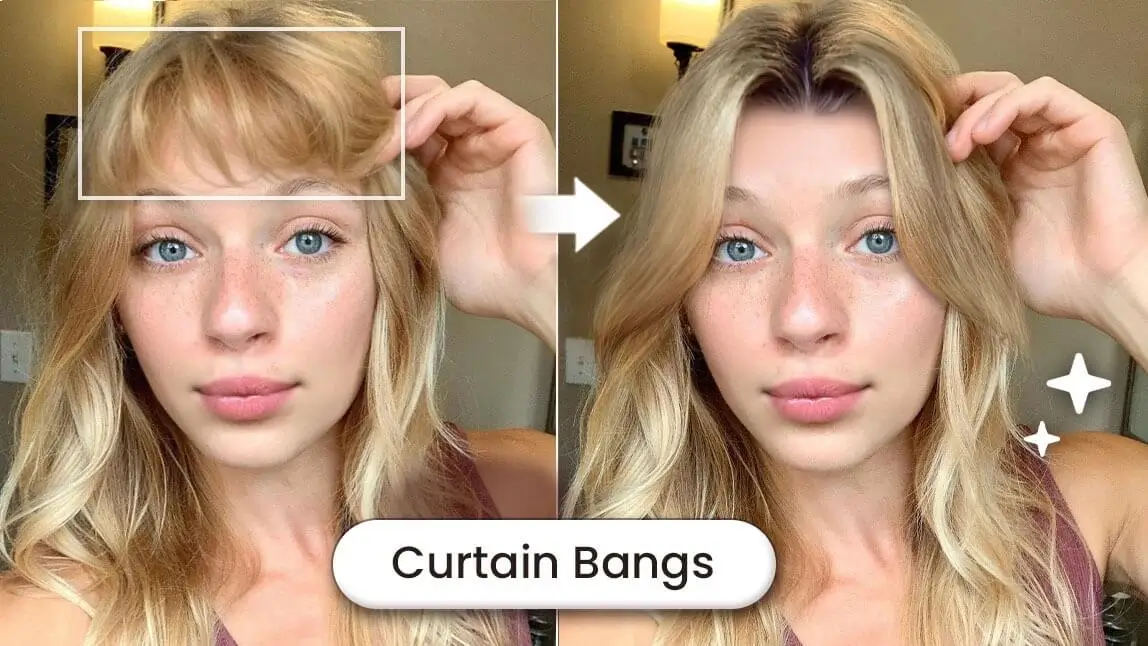
Have you ever wondered how you'd look with curtain bangs before having the cut? Well, you can now try out a curtain bangs filter and decide whether you should get curtain bangs.

What Are Curtain Bangs?
Curtain bangs are a style of bangs that part in the middle, framing your face on both sides like curtains. They are usually longer than regular bangs and gradually get longer towards the sides, creating a chill and more laid-back vibe.
They became popular in the 1970s (think Brigitte Bardot), but have made a huge comeback in recent years thanks to their flattering, low-maintenance style that works with almost any haircut—from long layers to short bobs.

How to Add Curtain Bangs Filter to Your Photo
Follow the steps below to try on curtain bangs filter virtually with your photo using the YouCam Perfect app:
- Step 1: Upload Your Photo
- Step 2: Apply the Curtain Bangs Filter
- 💡 Bonus Tip: Try Male Curtain Hairstyle Filter
- Step 3: Save Your Realistic Curtain Bangs Result
Step 1: Upload Your Photo

To see how curtain bangs will look on you, start by uploading a clear photo of yourself. Make sure the photo shows your entire face and hair for the best results.
*If your current hairstyle already has short bangs on the forehead area, we suggest that the eyebrows are visible without coverage for better curtain bang applications!
Step 2: Apply the Curtain Bangs Filter

Using the YouCam Perfect app you have two options to try a curtain bangs filter.
Option no. 1 is using its AI Hairstyle feature under the Beautify tab, that comes with 10 different bangs filters, including a filter called "Split Bangs". This filter can detect your face and add curtain bangs to your photo easily and instantly.
To make sure this is the most suitable bangs style for your face, also try the other bangs filters! You can try trendy wispy bangs, blunt bangs, mini bangs and more!

Option no. 2 for trying curtain bangs on your photo is using YouCam Perfect's AI Replace feature.
To get the curtain bangs look, here's what you can do:
- Locate "AI Replace" in the menu bar
- Highlight the forehead area
- Type a style prompt like 'curtain style bangs' in the text input field
- Press "Replace" and save your result!
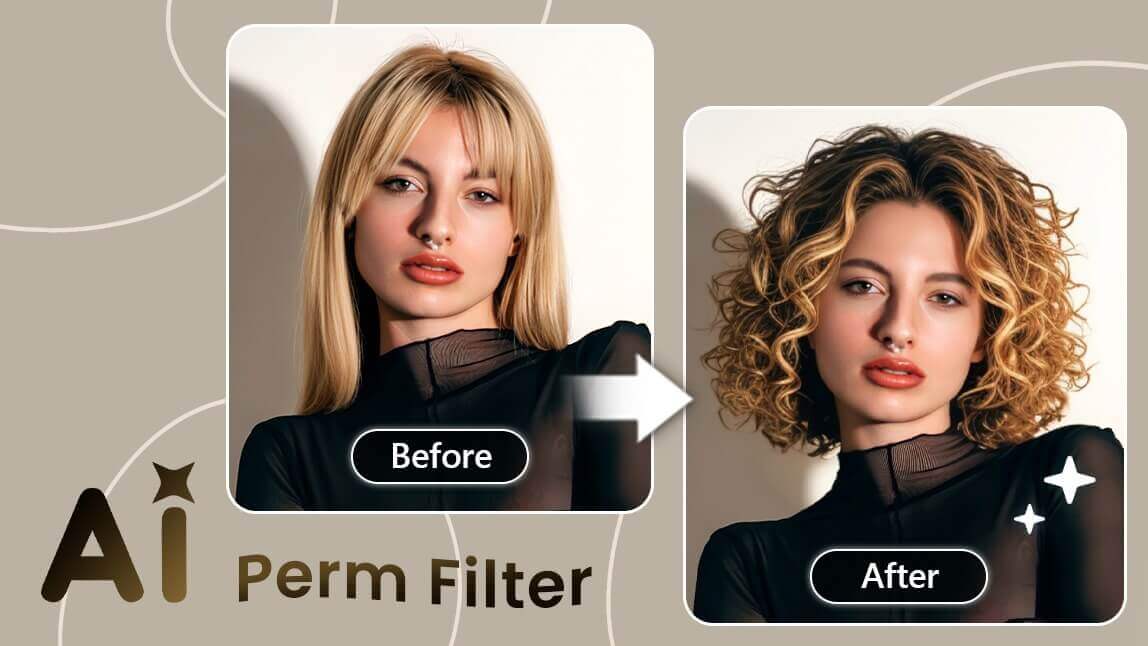
This May Also Interest You: What Would I Look Like with a Perm
💡 Bonus Tip: Try Male Curtain Hairstyle Filter
Another way to get the similar look is by applying the "Curtain" AI Hairstyle.

For male users, you can find the "Curtain" filter style by locating the "AI Hairstyle" feature under 'Beautify' mode. Aside from regenerating the look by pressing the same filter, you can also try out other hairstyle filters in different lengths and colors.
Read More: Male Haircut Simulator - Explore 20+ AI Hairstyles for Men
Step 3: Save Your Curtain Bangs Look

If you're happy with the look, save the image and share it with your hairdresser!
You can also try some trendy new curtain bangs inspired by trendy K-pop stars or viral TikTok trends using 'AI Replace' by highlighting the forehead area if you want a unique curtain bangs look other than the trending ones.
Test Different Bangs Styles with AI Hairstyle Filters
Besides trying out the curtain bangs filter on you, YouCam Perfect also provides a variety of hairstyles for you to explore on Android and iPhone.
Explore 40+ female hairstyles, 20 + male hairstyles, straight, wavy and curly hairstyles, long and short hairstyles, hair volume filters, hair extensions filters, and amazing AI hair colors. Check them out and see which one suits you best!

Changing your hairstyle can significantly affect how people perceive you.
👉 Read More: Is Hair Theory Real? Test it with an AI Hairstyle Simulator