Author:


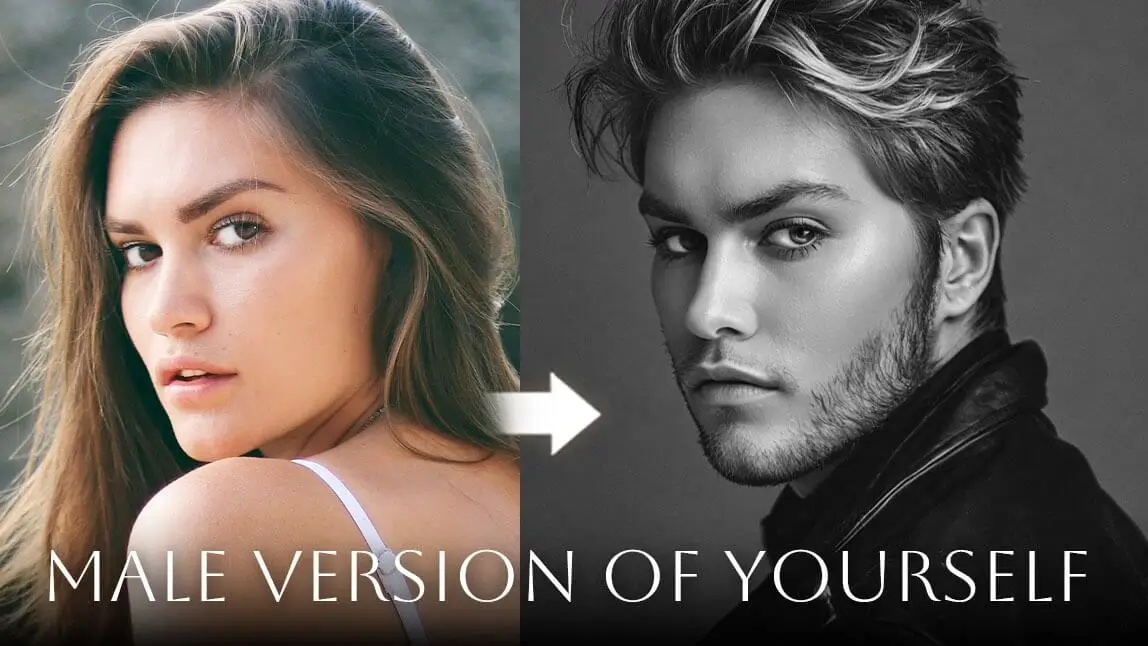
As the “male version of me” trend continues to grow, more AI apps and online tools now make it easy to see what you’d look like as a guy. From realistic photo editing to fun social filters, each man filter offers a different experience.
Below are five popular man filter apps and online tools to help you find the best option for your needs.
Why the “Male Version of Me” Trend Is Everywhere
The viral TikTok trend “Would You Date the Male Version of You?” has taken social media by storm, sparking curiosity and laughs across millions of posts. People are asking fun (and surprisingly deep) questions like:
-
What would I look like as a man?
-
What would I look like as a boy?
-
Would I date the male version of myself?
Using a man filter—also called a male version filter—users transform their photos with short hair, facial hair, and more masculine features to reveal an alternate version of themselves. Some results are hilarious, some are shockingly handsome, and all are wildly shareable.
If you’re ready to try this trend yourself, YouCam Perfect makes it easy with powerful AI photo editing tools available on both iOS and Android.

Man Version Filter: What Is Man Filter?

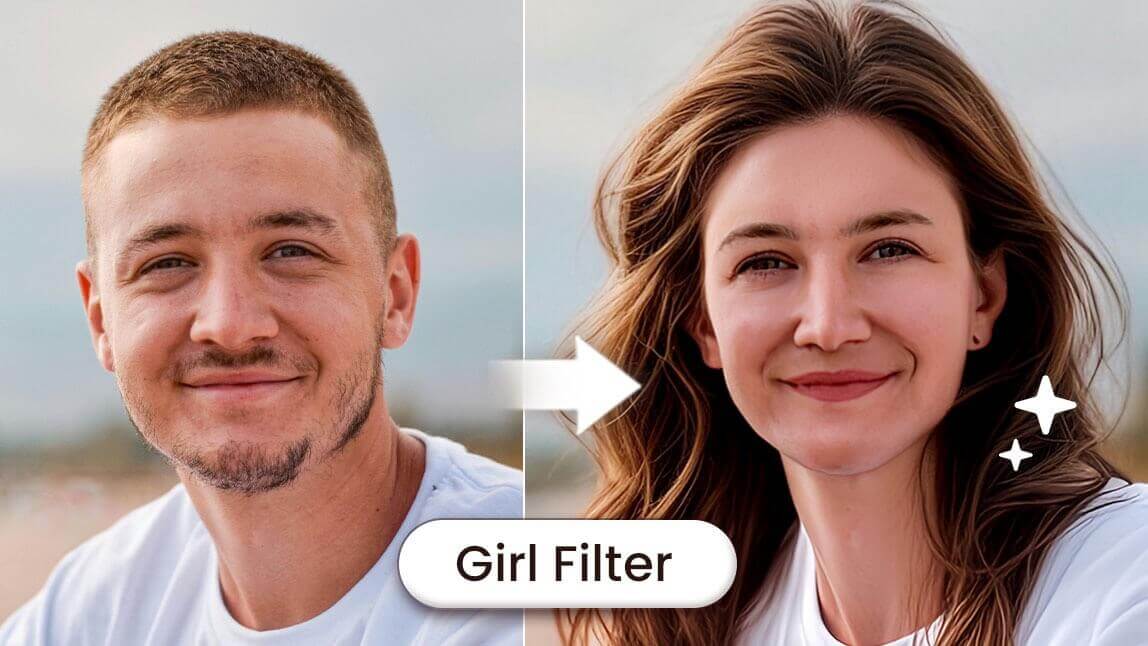
A man filter is an AI-powered effect that transforms facial features to create a realistic masculine appearance. If you’re itching to jump on this trend and see what your male counterpart would look like, we’ve got the perfect app for you: YouCam Perfect, available for Android and iPhone.
This AI-powered app makes it easy to try out various male self filters and transform your photos into an incredible "male version" of yourself.
It can include:
- Stronger jawlines
- Short male hairstyles
- Beard and mustache effects
- More angular facial structure
Let’s dive into how you can recreate this TikTok trend effortlessly with YouCam Perfect.
4 Ways to See the Male Version of Yourself

Best AI Photo Editor
The Best AI Photo Editor & Selfie Camera.
Gender swap, remove objects & more.
- 1. Try the Man Filter (Gender Swap Filter)
- 2. Try Male Hairstyles with the AI Hairstyle Feature
- 3. Add a Beard with AI Replace
- 4. Complete the Look with a Gender Face Swap
1. Try the Man Filter (Gender Swap Filter)
Use an image-to-video filter to see how you would look like as a man! Read on to see how it works.
- Open YouCam Perfect
- Tap Image-to-Video
- Go to the Transform category
- Select Gender Swap Filter
- Upload your photo and tap Generate
Within seconds, AI transforms your face into a realistic male version—perfect for TikTok, Reels, or just for fun.

Final result:
2. Try Male Hairstyles with the AI Hairstyle Feature

No male transformation is complete without a male haircut to match. With the AI Hairstyle feature in YouCam Perfect, you can explore a variety of male hairstyles to suit your look:
-
Open AI Hairstyle
-
Upload your photo
-
Switch to the Male tab
-
Browse and apply hairstyles instantly
💡 This is great if you want to see how different male haircuts would suit your face shape.
From buzz cuts to slicked-back styles, you’re sure to find the perfect match!
Read More: Male Haircut Simulator: Test 40+ Hairstyles on My Face Free
3. Add a Beard with AI Replace

One of the key features of the male version trend is facial hair. With YouCam Perfect’s AI Replace tool, you can seamlessly add a beard to your face in just a few steps:
-
Upload your photo
-
Open AI Replace
-
Highlight the beard area
-
Enter a prompt like “add a short beard” or “full beard”
AI will generate natural-looking facial hair that blends seamlessly with your face.
👉 Bonus: You can also try YouCam Makeup, which offers 15+ preset beard styles for free
4. Complete the Look with a Gender Face Swap

For the ultimate masculine filter experience, YouCam Perfect’s AI Studio feature offers a variety of male version filters for a full gender swap.

Here’s how to use it:
- Open the AI Studio feature.
- Browse through the collection of male filters designed to create a realistic masculine appearance.
- Apply the filter and watch your face transform instantly into your male counterpart.
How to Use a Man Filter Online (No App Needed)

If you’ve ever wondered what you might look like with more masculine features, YouCam Online Editor’s Gender Swap filter makes it simple.
This online AI tool instantly transforms your appearance with a realistic masculine look—stronger jawline, sharper facial structure, and more rugged details—all while keeping your photo natural and seamless.
No downloads are required; you can try it right in your browser with just a few clicks.
Top 5 Man Version Filter to See the Male Version of You
Based on current trends and commonly recommended tools across the web, here are five popular man filter options—each with its own strengths.
1. YouCam Perfect: All-in-One AI Photo Editing + Man Filter)
Best AI Photo Editor
The Best AI Photo Editor & Selfie Camera.
Gender swap, remove objects & more.
YouCam Perfect is one of the most powerful solutions for guy transformations. Beyond a basic gender swap, it offers:
-
AI-powered Man Filter (Gender Swap)
-
Beard & facial hair editing
-
Male hairstyle previews
-
Full photo retouching and effects
Works on iOS and Android, and integrates fully with YouCam ecosystem tools.
Best for users who want realistic, high-quality male versions + editing control.
2. YouCam Online Editor: Best Online Man Filter)
YouCam Online Editor brings the male version filter right into your browser — no app install required.
-
Online Gender Swap (Man Filter)
-
Quick results in web editor
-
Works on desktop or mobile browser
-
Additional online editing tools available
Best for users who want a fast online man filter experience without an app.
3. FaceApp
FaceApp is one of the original go-to tools for gender transformations.
-
One-tap male version filter
-
Simple UI
-
Advanced AI realism
Best for users who want a quick, polished male face transformation, though it’s app-only and may require a subscription to unlock all features.
4. Snapchat
Snapchat popularized gender swap effects with live AR lenses.
-
Real-time male version preview
-
Capture photo/video instantly
Perfect for live experimentation and social sharing, especially short videos, but less focused on deep editing.
5. Reface
Reface adds animated flair to photo transformations.
-
Male version for images and videos
-
Fun for memes and sharing
Great for users who want their male version in dynamic content, not just static photos.