Author:


St. Patrick’s Day is almost here, so get out your green and gold! YouCam Perfect brings you all the luck you need with effects and templates to help you celebrate on March 17.

Join in on the St. Patrick’s Day spirit! Use YouCam Perfect’s fun selection of backgrounds, filters, and stickers to create awesome, festive images for free!
YouCam Perfect: Best App to Make St. Patrick’s Day Image
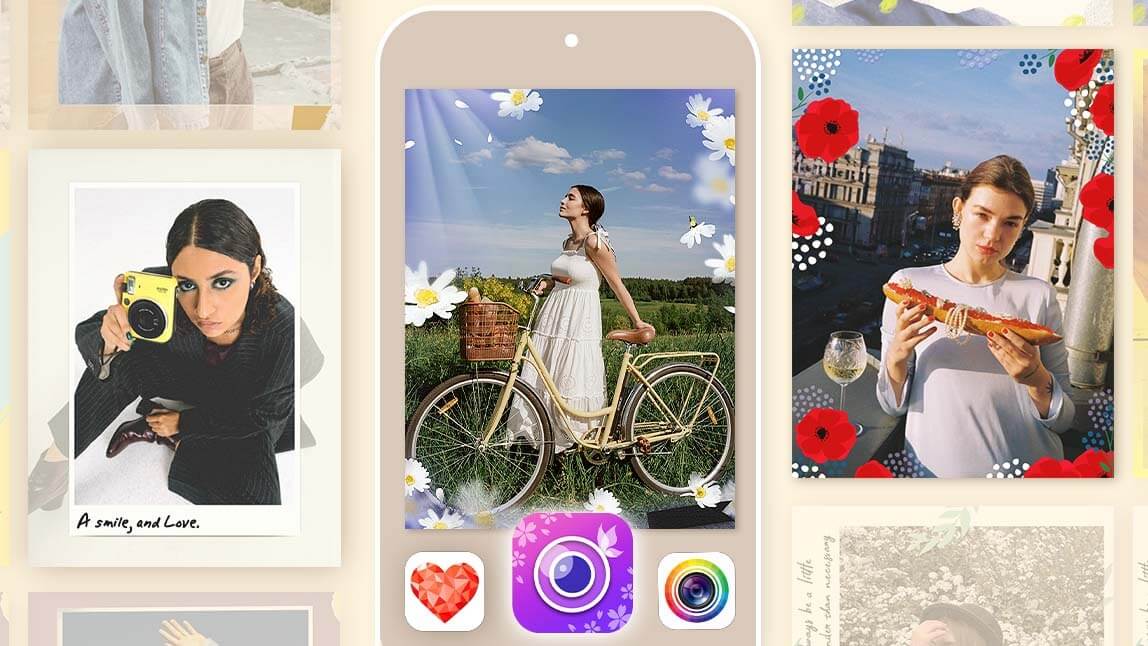
YouCam Perfect is the ultimate app for editing and sharing your St. Patrick’s Day photos! Its smart AI technology ensures your edits are always on point! You can choose from various frames, animation styles, backgrounds, and more!
Discover some ideas for your St. Patrick’s Day pictures below!

Best AI Photo Editor
The Best AI Photo Editor & Selfie Camera.
Remove objects, apply filters & more.
How to Make Your St. Patrick’s Day Image
From gold and green to St. Patrick’s Day symbols, you’ll find everything you need to make your images festive with YouCam Perfect!
1. St Patrick's Day Template
1. Select AI Group Photo: Open YouCam Perfect and tap AI Group Photo.
2. Choose a St Patrick's Day Template
3. Upload Two Portraits: Upload two portraits from your camera roll.
4. Tap Generate and let AI create your St. Patrick’s Day group photo.

2. Make Your Leprechaun Caught on Camera
1. Select AI Agent
2. Upload the base image where you want your leprechaun to appear.
3. Enter Your Prompt: Try this prompt like "Add a leprechaun sitting on the corner of the furniture like a tiny house guest. Match the lighting and perspective. Keep everything else unchanged." to make your Leprechaun caught on camera
4. Tap “Generate,” review the result, and save the final image once satisfied.

3. Classic St. Patrick's Day Hat & Clover Effect

There’s no better way to celebrate St. Patrick’s Day than with clovers, especially the lucky four-leaf clover! YouCam Perfect offers fun leprechaun stickers and filters, filling your photos with clovers and three styles of iconic green hats. Whether you want a classic look or sparkly green hats, YouCam Perfect has you covered. Here's how:
- Download the YouCam Perfect app for iOS or Android
- Go to Photo Edit
- For animated effects, choose Effects > Animation > Holidays
- To add stickers, choose Animation > Stickers > Holidays
4. Add St. Patrick’s Day Background

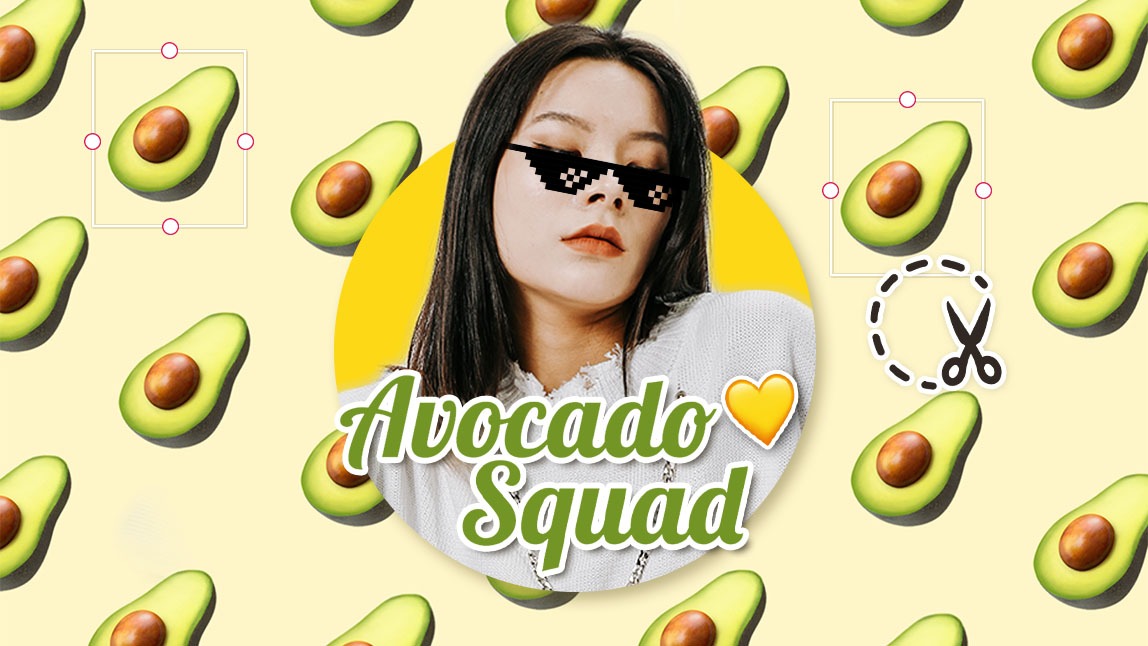
With YouCam Perfect, the possibilities are endless for St. Patrick’s Day backgrounds! Choose from clovers, lucky symbols, leprechauns, festive St. Patrick’s Day greetings, or the endless selection of free Shutterstock backgrounds. Here’s how:
- Go to Photo Edit
- Choose Remove BG
- Select Background and find the St. Patrick's Day tab
☘️ Read on: How to Remove Background from the Picture for Free
5. Paint 4 Leaf Clovers on Images

If you want to paint on clover effects, YouCam Perfect’s Magic Brush is the tool for you. Get creative with your selfies by drawing on your own edits! Add a St. Patrick’s Day clover design to bring some extra luck to your photos. Here’s how to do it:
- Go to Photo Edit
- Scroll through to find Magic Brush
- Find the Clover design
- Drag your finger across the screen to draw the design
6. Add St. Patrick's Day Green to Photos
Show your Irish pride with YouCam Perfect’s Greenery filter pack! Add a pop of green to your photo and celebrate St. Patrick’s Day in style. Here’s how:
- Click Photo Edit to upload a photo
- Under Edit, go to Effects
- Scroll to find the Greenery filter pack
- Tap to apply!
Download YouCam Perfect: Celebrate St. Patrick’s Day 2026 with Best Photo Editor
Add some Irish luck to your photos with YouCam Perfect! In just a few taps, you can create St. Patrick’s Day pics with leprechaun filters and stickers to impress your friends. Download YouCam Perfect for iOS or Android to get started!
Best AI Photo Editor
The Best AI Photo Editor & Selfie Camera.
Remove objects, apply filters & more.