


 Author:


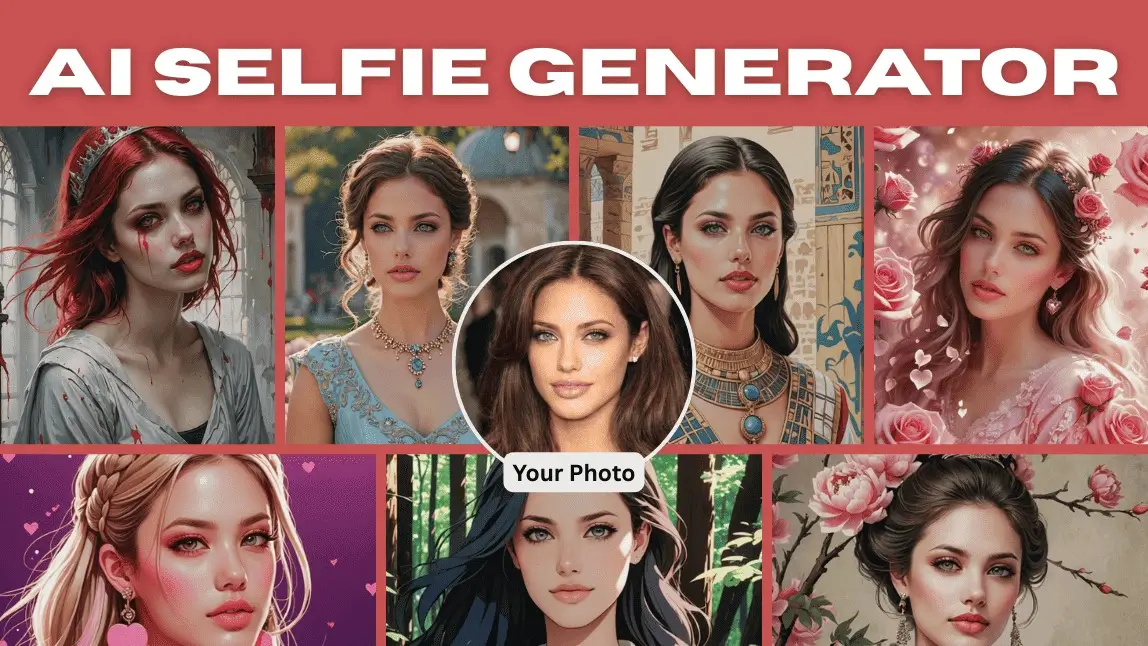
AI selfies are changing the way we take photos.
Instead of relying on perfect lighting, professional cameras, or heavy editing, you can now generate high-quality, studio-style portraits instantly using artificial intelligence.
 Try
Try


Whether you want a professional headshot, a trendy social media profile picture, or a creative fantasy look, AI selfie technology makes it possible in just a few taps.
With YouCam Makeup, you can transform your everyday photo into a polished AI-generated portrait using advanced AI Selfie features and a built-in AI Agent that helps you customize your look.

Let’s explore how it works!
What Is an AI Selfie?
An AI selfie is a photo enhanced or generated using artificial intelligence.
- Enhances facial details
- Improves lighting and skin texture
- Adjusts makeup and hair
- Applies creative styles or themes
- Generates professional-looking portraits
The result? A refined, high-quality image that still looks like you—just elevated!
Why AI Selfies Are Trending in 2026
AI-generated selfies are becoming popular because they:
✔ Save time compared to traditional editing
✔ Create professional results instantly
✔ Offer multiple style variations
✔ Help upgrade LinkedIn, Instagram, and dating profiles
✔ Let users experiment with creative looks safely

Instead of booking a photoshoot, you can create dozens of AI portraits in minutes.
How to Create an AI Selfie with YouCam Makeup
With YouCam Makeup's AI Agent, it is super easy to make AI photos of yourself!
Simply follow these 4 steps to generate AI photos that look exactly like you:
Step 1: Download the Best AI Selfie Generator
Start by downloading the best AI selfie generator YouCam Makeup, free for both iPhone and Android.

Best AI Selfie Camera
The #1 Virtual Makeover & Selfie Camera App.
Experience real-time AR makeup trials.
Step 2: Open AI Agent
Tap on "AI Agent" to start your AI selfie making.

Step 3: Upload Your Photo & Enter A Prompt
Upload a clear front-facing photo.
The AI analyzes your facial structure, skin tone, and lighting to create realistic enhancements.
You can try different looks such as:
- Professional business portraits
- Soft glam beauty shots
- Natural everyday selfies
- Trendy social media aesthetics
- Fantasy or artistic themes

Not sure which style fits you best? The built-in AI Agent acts like a digital stylist.
Try prompts like:
- “Create a professional AI headshot for LinkedIn.”
- “Give me a natural glowing selfie look.”
- “Show me a creative editorial style portrait.”

The AI Agent personalizes results based on your request, helping you refine your final image.
Step 4: Save Your AI Selfie

4 Top Benefits of Using AI Selfie Technology
Below are the top benefits for you if you try AI Selfie with YouCam Makeup!
1. Professional Results Without a Photographer
With AI Agent, no studio lighting or expensive equipment is required.
2. Instant Image Upgrade
Enhance skin tone, adjust lighting, and refine facial details in seconds.
3. Freedom of Creativity
Experiment with bold styles without permanent changes.
4. Confidence Boost
See yourself in polished, high-quality portraits that highlights your best features.
Create Your Best AI Selfie Today
AI selfie technology makes high-quality portraits accessible to everyone.
Whether you want subtle enhancements or bold transformations, you can experiment safely and instantly. Before your next profile photo update, try generating a few AI portraits with YouCam Makeup. Use the AI Selfie feature to transform your look and let the AI Agent guide you to your perfect style.
Best AI Selfie Camera
The #1 Virtual Makeover & Selfie Camera App.
Experience real-time AR makeup trials.
Your next favorite photo is just one tap away!


