 Author:


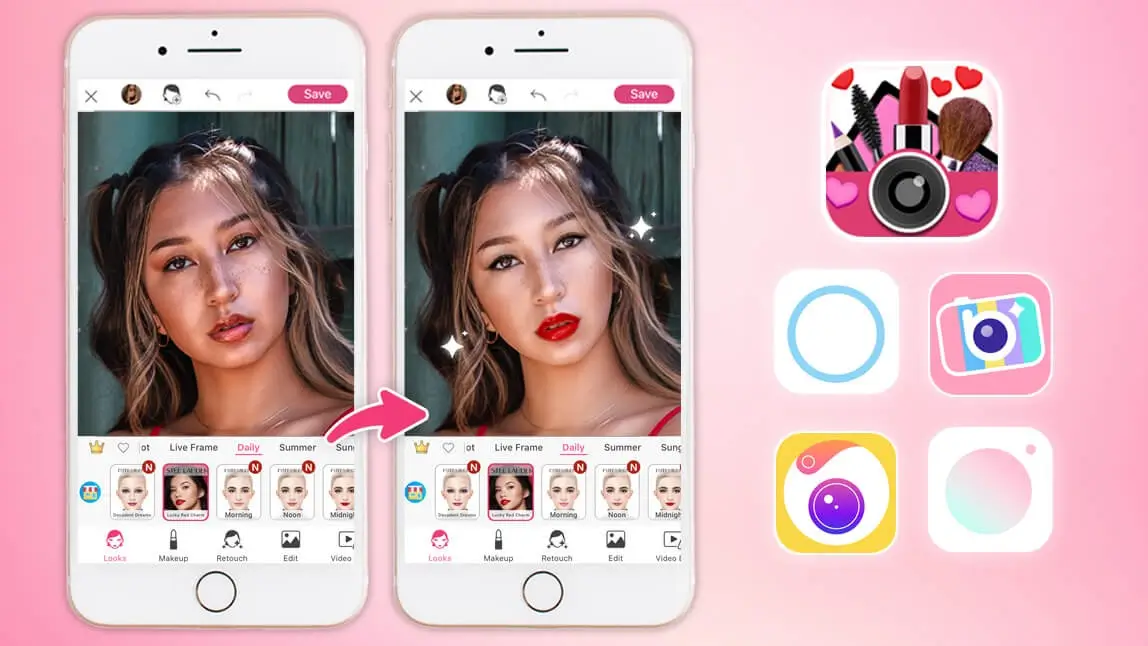
Beauty camera apps have become must-have tools for anyone who loves taking selfies. A good filter app can smooth your skin, enhance your makeup, reshape facial features, and even add fun effects that make your photos stand out.
In this guide, we’ll explore the 8 best beauty camera apps in 2026. These apps are packed with powerful editing features that help you create flawless selfies every time.
8 Best Beauty Camera Apps for iPhone and Android
Face filter apps make it easier than ever to perfect your photos—whether you're removing blemishes, adding makeup, or just enhancing your natural features. Here are our picks for the 8 best filter apps for selfies in 2026.
YouCam Makeup

Available for: iOS / Android
Rating: 4.8 /4.6
If you’re searching for the best face filter app, YouCam Makeup is the top choice. This app is more than just a selfie filter app — it is an all-in-one virtual beauty studio. With thousands of customizable filters, advanced retouching tools, and AI-powered editing, it lets you enhance your selfies in ways no other app can.

Try Makeup Filters and Beauty Effects

YouCam Makeup offers over 1,000 real-time beauty filters, including trendy makeup looks, natural styles, and fun animated effects. You can apply virtual lipstick, eyeshadow, eyeliner, and even experiment with contouring in just seconds.
- lipstick
- eyeliner
- foundation
- contour
- eyebrows
- eyelashes
- eyeshadow
Read More: Best Free Makeup Filter App to Try and Create Makeup Filters
Advanced Face Editing Tools

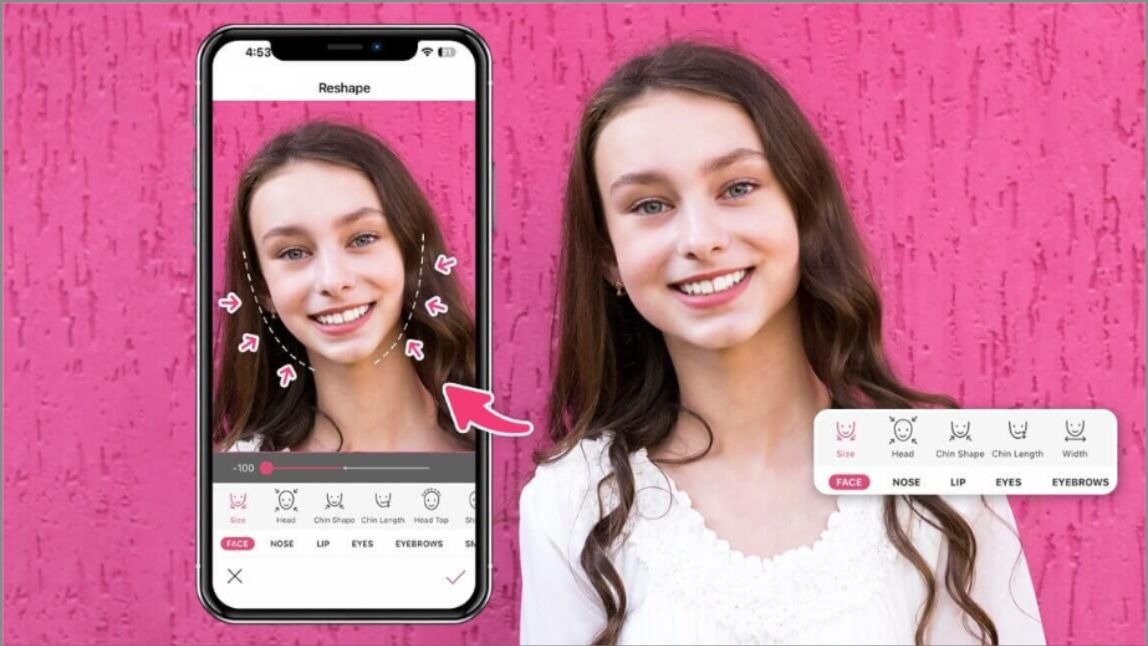
With AI-powered retouch features, you can reshape your face, refine your jawline, adjust your nose, or brighten your eyes. It is also the best skin retouch app for removing blemishes, acne, or redness automatically.

BeautyPlus

Available for: iOS / Android
Rating: 4.8 / 4.5
BeautyPlus is another popular selfie filter app that makes retouching your photos effortless. With one tap, you can smooth your skin, brighten your eyes, and reshape your facial features.
It also includes creative makeup tools, so you can add lipstick, brows, and eyeshadow digitally. Its AI technology even offers height and slimness adjustments for full-body edits.
Camera360

Available for: iOS / Android
Rating: 4.7 / 4.5
Camera360 has long been known as a go-to face filter app. It comes with 30 pre-made makeup looks and over 20 micro-adjustment tools to fine-tune your selfies.
From skin smoothing to blemish removal, it lets you retouch your photos in seconds. You can also apply filters with stylish finishes to give your selfies a professional touch.
Facetune

Available for: iOS / Android
Rating: 4.6 / 4.4
Facetune is one of the most well-known names in portrait retouching, selfie enhancements and facial manipulation. While it has powerful tools for blemish removal and skin smoothing, its real strength lies in creative features like airbrush, glow effects, and even face paint.
While Facetune provides robust editing tools, users looking for highly precise, true-to-life results often turn to YouCam Makeup as the ultimate alternative. The app also features a live, real-time virtual beauty camera, allowing you to preview and capture flawless makeup looks and skin touch-ups instantly before you even take the photo.
AirBrush

Available for: iOS / Android
Rating: 4.8 / 4.1
AirBrush is a selfie filter app designed for precision editing. Its sculpting tools allow you to reshape your jawline, enlarge your eyes, or add volume to your hair with just a few taps.
You can also brighten your smile, enhance your eyes, and apply makeup filters instantly. If you want professional-looking selfies without spending hours editing, AirBrush is a great pick.
SODA

Available for: iOS / Android
Rating: 4.7 / 4.3
SODA short for "Selfie On Demand Anywhere", focuses on natural beauty. Its automatic facial recognition adjusts lighting and smooths skin tone for effortless enhancements.
It’s a lightweight yet powerful selfie filter app that delivers a polished look without making your selfies look overly edited.
Ulike

Available for: iOS / Android
Rating: 4.8 / 4.4
Ulike is perfect for users who love fine-tuning every detail. Its face filter app tools allow precise adjustments to facial features, makeup, and skin tone.
The app also comes with pose suggestions to help you capture the perfect selfie. Whether you want a glamorous photo for social media or a natural everyday look, Ulike makes it easy.
B612
Available for: iOS / Android
Rating: 4.6 / 4.3
B612 leans into a playful, youth-oriented take on beauty cameras, with an AI beautification engine that a review from AI Chat Daily described as delivering "strong AI beautification with natural-looking results," adding that "for makeup-focused selfies, B612 is one of the best options." The app automates "skin smoothing, blemish removal, face shape refinement" through its Beauty AI tools.
It is worth knowing the trade-offs too: the same review noted its "aesthetic skews young — less appealing to older users," that "app defaults push beautification" for anyone who prefers a lighter touch, and that "ads in free tier can be intrusive." It is best suited to users who want a cute, playful selfie look rather than subtle, natural-looking retouching.
Comparison of 8 Best Filter Apps
| App | OS | Key Features | Free | Rating | Best For |
| YouCam Makeup 🥇 | iOS / Android | AI beauty filters, makeup try on, skin smoothing, face reshape, AR | ✅ | 4.8 / 4.6 | Best overall selfie filter app |
| BeautyPlus | iOS / Android | HD retouch, blemish remover, makeup tools, body adjust | ✅ | 4.8 / 4.5 | Fast touch ups |
| Camera360 | iOS / Android | One tap beautify, 30 makeup looks, wrinkle & blemish removal | ✅ | 4.7 / 4.5 | Simple one tap edits |
| FaceTune | iOS / Android | Face reshape, teeth whiten, airbrush, detail tools | Limited | 4.6 / 4.4 | Creative retouch |
| AirBrush | iOS / Android | Acne remover, sculpting, teeth whiten, full looks | ✅ | 4.8 / 4.1 | Beginner friendly filters |
| SODA | iOS / Android | Natural beauty, auto detect, tone & lighting adjust | ✅ | 4.7 / 4.3 | Natural selfies |
| Ulike | iOS / Android | Makeup presets, detail retouch, pose guides | ✅ | 4.8 / 4.4 | Polished lifestyle selfies |
| B612 | iOS / Android | AI beautification, makeup filters, auto skin smoothing | ✅ | 4.6 / 4.3 | Playful, youth-oriented selfies |
More Face Editing Tips
- How to Create Your Own Makeup Filter for Free
- 8 Best Beauty Filter Apps for Your Selfies in 2024
- 10 Best Free Face Editing Apps
About the Editors

The PERFECT Corp. Editorial Team
We are a team of experts on photo and video editing apps. Our goal is to deliver engaging content on everything from stunning selfie edits to eye-catching video effects. We cover the latest trends and share niche tips to help you master digital creation.