 Author:


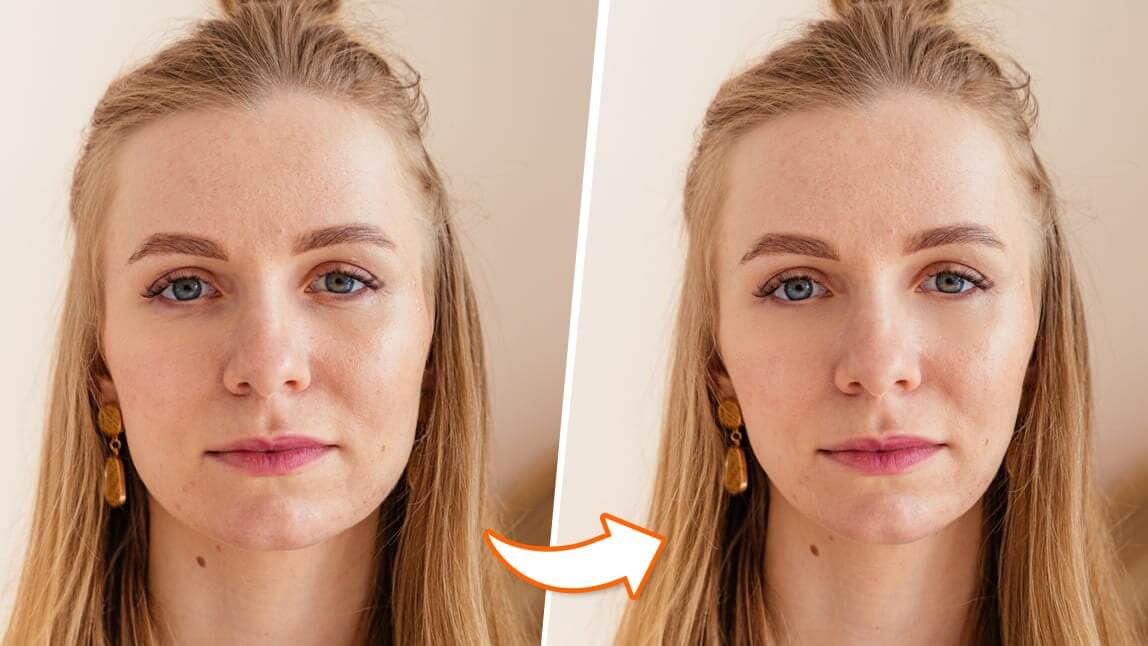
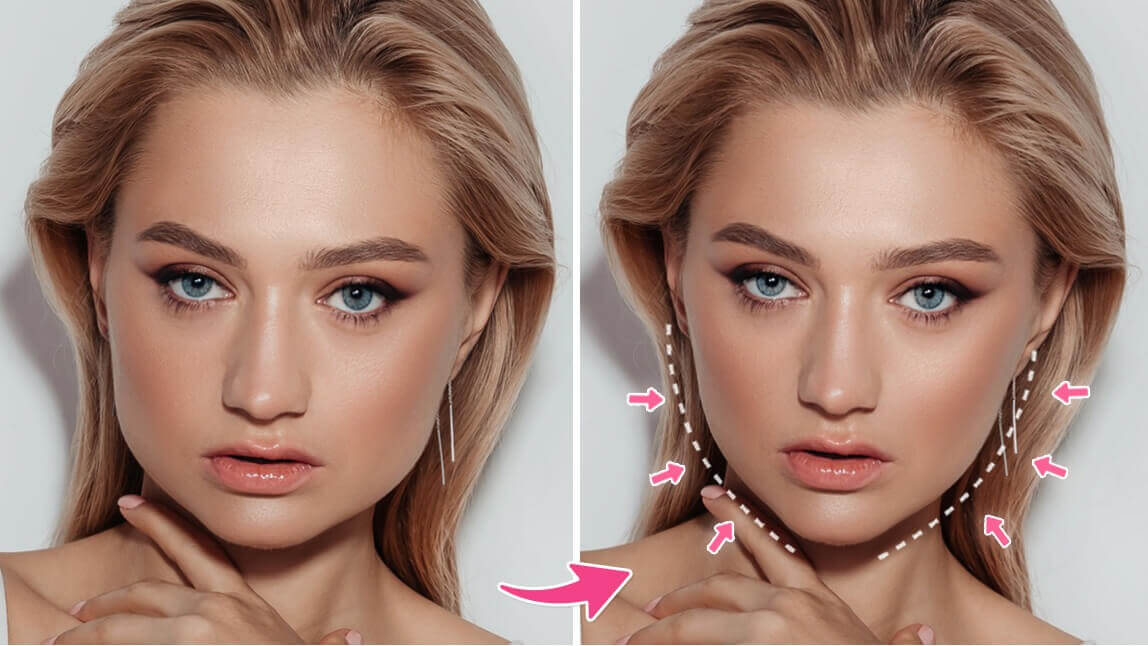
Want to refine your face shape in photos effortlessly? A face slimming app can help you achieve a naturally slimmer look with just a few taps.
We’ve rounded up the 9 best slim face photo editors for iPhone and Android to help you look skinnier in photos. Whether you’re looking for a subtle tweak or a more defined contour, these apps make it simple to enhance your selfies instantly.
9 Best Face Shaper Apps for iPhone & Android (2026)
Looking to slim your face in photos? Here are the 9 best face slimming apps for iPhone and Android that can help you achieve naturally flawless selfies with just a few taps.
- YouCam Makeup: Best Free Face Slimming App
- PhotoDirector: Easy Face Shaper App
- FaceTune: Slim Face Editor
- BeautyPlus: Easy Face Slimmer Tool
- AirBrush: Sharp Jawline Filter App
- PicsArt: Reshape and Change Face App
- Peachy: Fast Slim Face App
- Meitu: Reshape Your Face & Body
- Snapseed: Head Pose Tool for Reshaping
YouCam Makeup: Best Free Face Slimming App

Available for: iOS / Android
Rating: 4.8 / 4.5
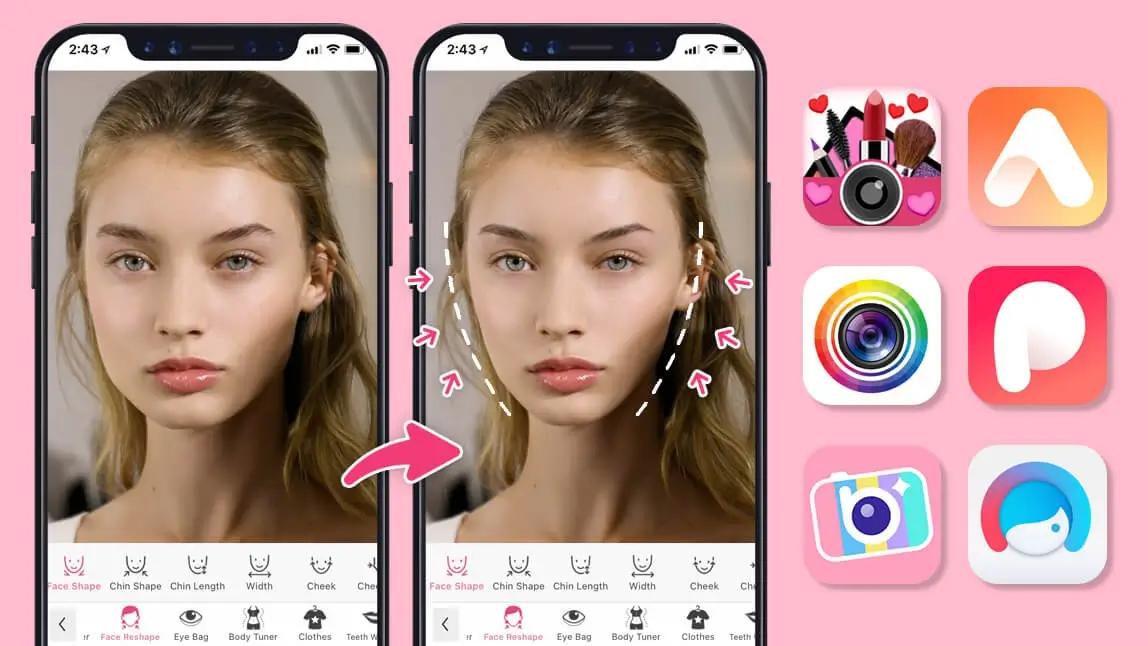
YouCam Makeup is the best free AI photo face editor app for iPhone and Android, offering extensive face slimming tools. With advanced AI face recognition technology, the YouCam Makeup app allows you to adjust your photos and simply slim your face with a slider.
Read More: Best Face Slimmer App: How to Slim Your Face
How to Slim Your Face in Photos With YouCam Makeup

Aside from slimming overall face shape, what makes the YouCam Makeup app the top face slimming app is that it offers the most complete face editing features, from editing jawline, chin shape, and cheekbone to face width and forehead size.

PhotoDirector: Easy Face Shaper App

Available for: iOS / Android
Rating: 4.6 / 4.5
PhotoDirector is another popular photo editing app that makes it easy to slim down faces in photos. The app has a wide range of tools that allow users to easily edit their photos and make them look more professional. Plus, Photo Director also offers several filters designed specifically for enhancing facial features.
Facetune: Slim Face Photo Editor

Rating: 4.6 / 4.3
Facetune is an advanced photo editing app designed specifically for retouching faces in photos. It comes with a variety of features designed to help users slim down their faces quickly and easily such as its “Slimming” tool which allows users to adjust the size, shape, and proportions of certain facial features such as cheeks, eyes, or chin with just a few taps.
BeautyPlus: Easy-to-Use Face Slimmer App

Available for: iOS / Android
Rating: 4.8 / 4.5
BeautyPlus is one of the most popular photo editing apps, and it's easy to see why. It has many options, including facial reshaping and eye shape editing, lip shape contouring, and skin smoothing.
AirBrush: Sharp Jawline Filter App

Available for: iOS / Android
Rating: 4.9 / 4.4
Airbrush is an all-in-one photo editing app that helps users create beautiful selfies with ease. The app includes various tools such as its “Reshape” feature which enables users to adjust different areas of their face like jawlines or cheekbones for a slimmer appearance.
PicsArt: Reshape and Change Face Shape App

Available for: iOS / Android
Rating: 4.7 / 4.1
PicsArt is a photo editing app that allows you to slim your face. While PicsArt is well-known as an easy-to-use collage-making app, it also has many filters and new beautifying tools that let you retouch selfies.
Peachy: Slim Face App with Basic Reshape Features

Available for: iOS / Android
Rating: 4.8 / 4.6
Available on iOS and Android, Peachy is a free app that can help you slim your face. It can make your face look more symmetrical, youthful, and attractive.
Meitu: Photo Editor to Reshape Your Face & Body

Available for: iOS / Android
Rating: 4.8 / 4.4
Meitu is a photo editor app designed to make your face look smaller. It's available for Android and iOS free of charge, and it's the perfect tool for those who want to feel thinner or more beautiful without going under the knife.
Snapseed: Head Pose Tool for Reshaping
Available for: iOS / Android
Rating: 4.9 / 4.2
Snapseed is Google’s free photo editor, and its Head Pose tool doubles as a face-reshaping option: you drag a finger across the photo to shift the head angle, with extra sliders for pupil size, smile, and focal length — the focal length adjustment is what can make a face read as narrower or fuller.
It comes with a real caveat worth knowing before you rely on it: a Gadget Hacks review found the tool "can easily make your selfie look anywhere from ridiculous to downright creepy" if pushed too far, and recommended using it "mildly for best results, especially since the technology, while impressive, still needs some work." Treat it as a subtle finishing touch rather than a dedicated slimming tool.
Download the Best Face Editing App for iPhone and Android
If you’re looking for the best face slimming app, YouCam Makeup has you covered. The app offers precise adjustments, so you can enhance your jawline or cheekbones with just a few taps, all while maintaining a realistic look.
Whether you’re perfecting selfies or editing group shots, YouCam Makeup makes it easy to achieve the polished look you want. Plus, it’s free to use, making it the ultimate app for flawless photo editing on the go!