Author:


Even if you don’t edit photos professionally, you’ve heard of Photoshop. But Photoshop is a complex program, and it’s almost impossible to use it to its full potential without a steep learning curve and hours of dedication. It also comes with a hefty price tag, which means it isn’t worth buying for most people.
When you need a photo editing app that works like Photoshop without breaking the bank or learning pro secrets, you’ve got plenty to choose from. Keep reading to explore the five best free Photoshop-like apps for iPhone and Android to find the right one for you!
6 Best Free Apps Like Photoshop for iPhone & Android
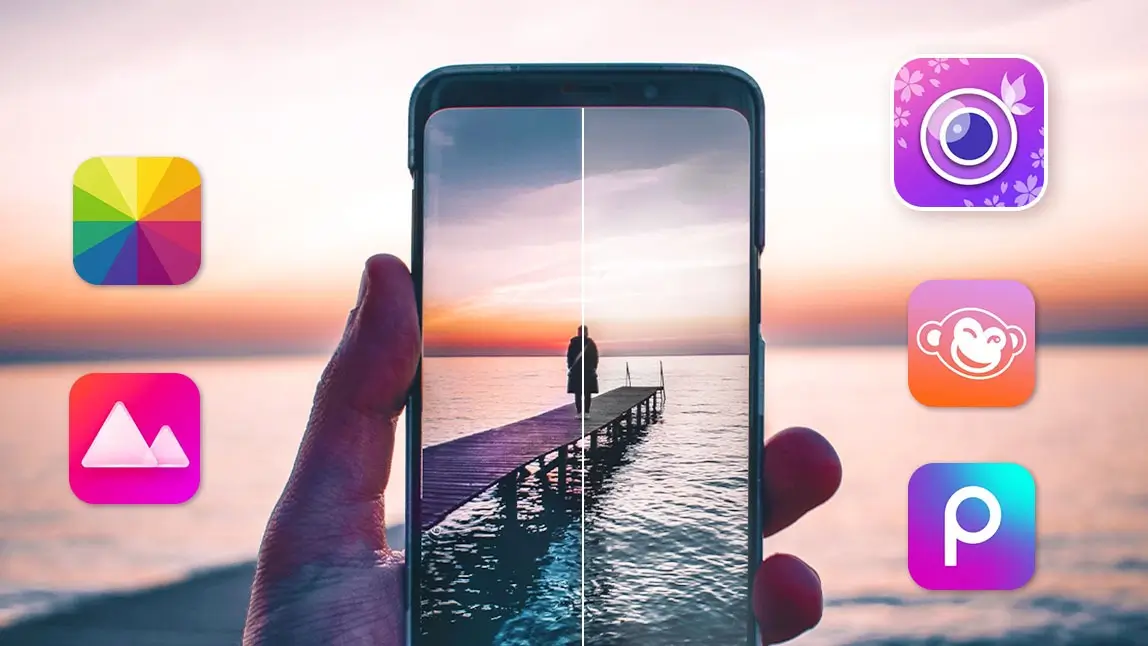
Each of these six Photoshop alternative apps offers impressive photo editing capabilities like Photoshop, including one newer web-based pick. Check out these apps to see which one fits your photo editing style!
I spent time in each of these apps with the same handful of test photos — a portrait, a landscape, and a cluttered group shot — to see how each one actually handled background removal and retouching rather than just reading their feature lists. The AI-driven tools (YouCam Perfect, Picsart) made object removal noticeably faster than the more manual tools like Darkroom.
YouCam Perfect: Best Free AI Photoshop App
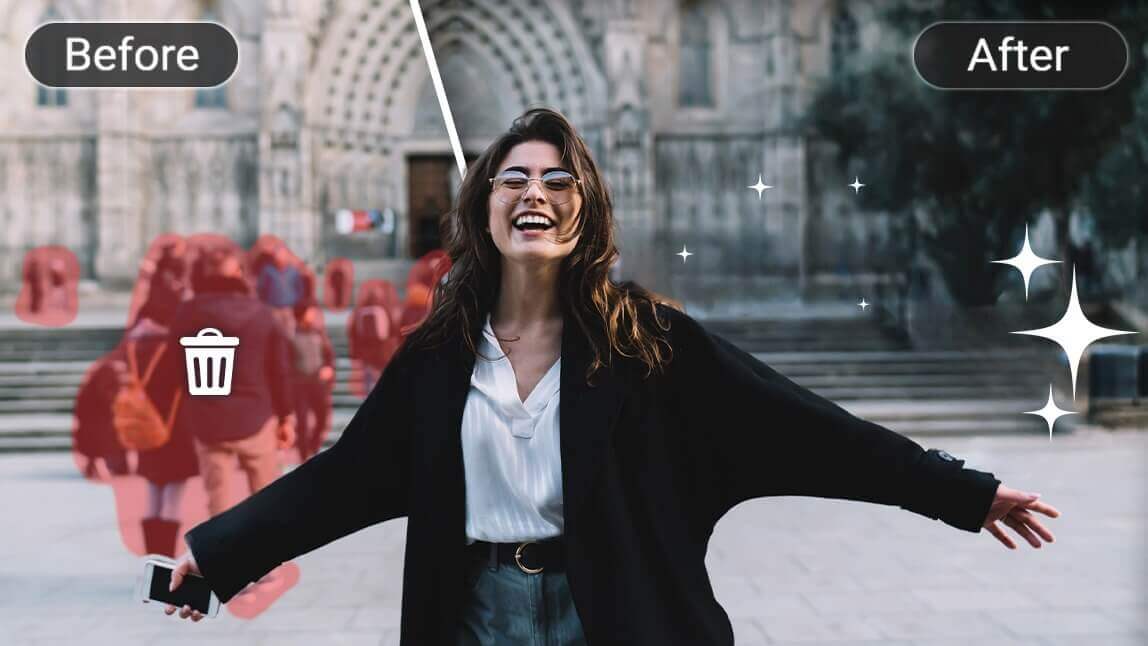
YouCam Perfect offers advanced Photoshop-style tools with AI, including AI object removal, an AI generative fill feature (AI Replace), and a Remove BG tool for swapping out backgrounds.
Real user feedback on the app is mixed but mostly positive: one longtime user, Alice W, wrote in a Google Play review, “8 years later, and this is still my favourite photo app!” and said the extra features are “amazing.” Other users have flagged limits on the premium tier as a downside — reviewer Whendy Fast complained that “with premium, you can’t edit again for 24 hours once you reach a 200 edit limit,” which pushed them to look at other apps.
Top Photoshop Features
- AI Generative Fill
- AI Background Remover
- AI Object remover
- Face Retouch
- Body Tuner
- Sky Replacement
Picsart: Creative Photoshop App

Available on: iOS / Android
Store Rating: 4.7 / 4.0
Picsart is best for editing photos and content in different formats, including photos and videos. It has lots of photo editing features that can spice up your snaps in minutes. Its AI-powered tools bring you smart selection so that you can easily crop, change your hair color, and retouch in seconds.
Beyond editing your photos, Picsart’s video editing feature means that you don’t have to download a separate app to edit all your content — you can do it all in the same place with this photo editing app!
Top Photoshop Features
- Background eraser and remove object
- Retouch
- Video Editor
- Collage maker
Fotor: Best for Free Photoshop Online Editing

Best for:
Available on: iOS / Android
Store Rating: 4.7 / 4.5
Fotor is best for creating professional-level edits online. It takes free photo editing to the next level with advanced photo editing features like color balance, curve, HSL, and more.
It has over 100 professional effects and filters that you can apply to your photos with one tap. The app lets you get creative with cropping, rotating, and composition by adjusting perspective, stretching, and other quality factors on its own. It also comes with plenty of additional elements to add personality to your photos, including frames, fonts, and stickers.
Top Photoshop Features
- One-tap photo enhancement
- Basic and advanced editing tools
- Photo cropping
- Design templates
Darkroom: Easy-to-use Photoshop App

Available on: iOS / Android
Store Rating: 4.7 / 4.2
Darkroom is best for casual and professional photographers who want to organize their photos. It gives you all the tools you need to edit any photos with advanced tools and organization.
It lets you apply edits to several photos at once, and you don’t have to wait for the app to import. The app makes it easy to add universal edits, blur, and even create filters unique to you. Unfortunately, if you want tools like the video editor or curving and color tools, you need a Darkroom subscription.
Top Photoshop Features
- Live photos
- RAW editing
- Album management
- Batch processing
PicMonkey: Free Photoshop App

Available on: iOS / Android
Store Rating: 4.8 / 4.4
PicMonkey is best for editing photos to promote your business on social media. The photo editor gives you the tools you need to create an image from scratch or edit your photos.
It has tons of features that help you put the perfect finishing touches on your photos, whether that means adding text, changing your background, or creating a collage. PicMonkey even has tools for promoting your business, including Etsy photo sizes and more for other online shops.
Top Photoshop Features
- Filters and effects
- Background eraser
- Crop and resize
- Sticker maker
- Touch up
Photopea: Free Browser-Based Photoshop Clone
Available on: Web (any browser)
Photopea is a genuinely well-discussed pick worth knowing about: it's a free, browser-based editor that mirrors Photoshop's own interface closely enough that it can open and edit native .PSD files, preserving layers, groups, and smart objects.
Users consistently point to that PSD compatibility and the fact that there's nothing to install as its biggest strengths — as one reviewer put it, it offers "no messy setup, no disk space to be allocated, and the most important - Multiplatform."
Opening one of my own layered PSD test files in Photopea kept every layer intact, which surprised me for a free web tool — though the ad banner on the free tier was more distracting than I expected on a smaller screen.
The tradeoffs are real: it's ad-supported on the free tier, some basic-feeling features are paywalled, and reviewers note it can get sluggish or laggy on larger files since it's bound by browser memory limits rather than your device's full resources.
Top Photoshop Features
- Native PSD file support
- Layers, masks, and smart objects
- No install required
- Filters and adjustment layers
Download The Best Photoshop Apps for iPhone & Android
Each of these Photoshop apps offers impressive and comprehensive photo editing right from your phone.
Choose the one for you based on what you want to change and how you want to use your photos after you edit!
Related Posts
- How to Create Double-Exposure Photos
- How to Add A Picture to A Picture Without Photoshop
- Sky Replacement: Dreamy Sky Editing In Photos